
AI Recipe Generators From Ingredients, Compared
Compare AI recipe tools that work from ingredients, then learn how to set pantry, time, servings, and preferences for a draft worth reviewing.
By Buttter ·
A saved food video preserves an idea, but it rarely provides a measured, repeatable recipe. You might scroll past a meal that looks perfect for Tuesday night, save the clip, and open your refrigerator later with no idea how to turn your groceries into that dish. Recipe import tools solve the first problem by extracting structure from links, while an AI recipe generator from ingredients solves the second by drafting a new dish around what you have on hand. Buttter connects those two jobs by turning supported social posts and videos into structured instructions, and generating meals from a fridge or pantry photo. You can keep both types of dishes together in a searchable personal cookbook.
Before you hand your ingredient list over to software, it helps to know how the tool processes that information so you can set the right expectations. Recipe matching differs from recipe generation because a matcher filters a database of existing recipes to find one that fits your available items. A generative tool, meanwhile, writes a new draft based on your constraints. It combines your available vegetables, proteins, and pantry staples into a bespoke set of instructions.

Compare Tools by What They Do With Ingredients
Every tool approaches your kitchen inventory differently. Some require you to type out every item, while others scan a photo of your shelves. Certain platforms offer granular control over diets, allergies, and servings, whereas others rely heavily on how you write your prompt. The comparison below looks at input methods, recipe outputs, documented controls, and pricing models. It covers advertised features based on public pages and listings rather than a hands-on taste test.
| Tool | Input Method | Recipe Output | Documented Controls | Cost & Platform |
|---|---|---|---|---|
| Buttter | Photo, typing, voice | Generated new draft | Diets, allergies, cravings, editable list | Free tier; optional subscription for unlimited AI, iOS 18+ (iPhone/iPad) |
| PantryAI | Typed text list | Generated new draft | Ingredient exclusions | 10 free searches/month; web |
| ChatGPT | Typed text, photo, voice | Generated new draft | Open prompt constraints | Free tier; paid Plus tier, web/mobile |
| SuperCook | Typed text list | Existing recipe matches | Removes matches when items are deleted | Free, web/mobile |
| Samsung Food+ | Typed Food List | Existing recipe matches | Prioritizes expiring items | $6.99/month or $59.99/year, web/mobile |
Buttter: Ingredient Generation Plus Recipe Saving
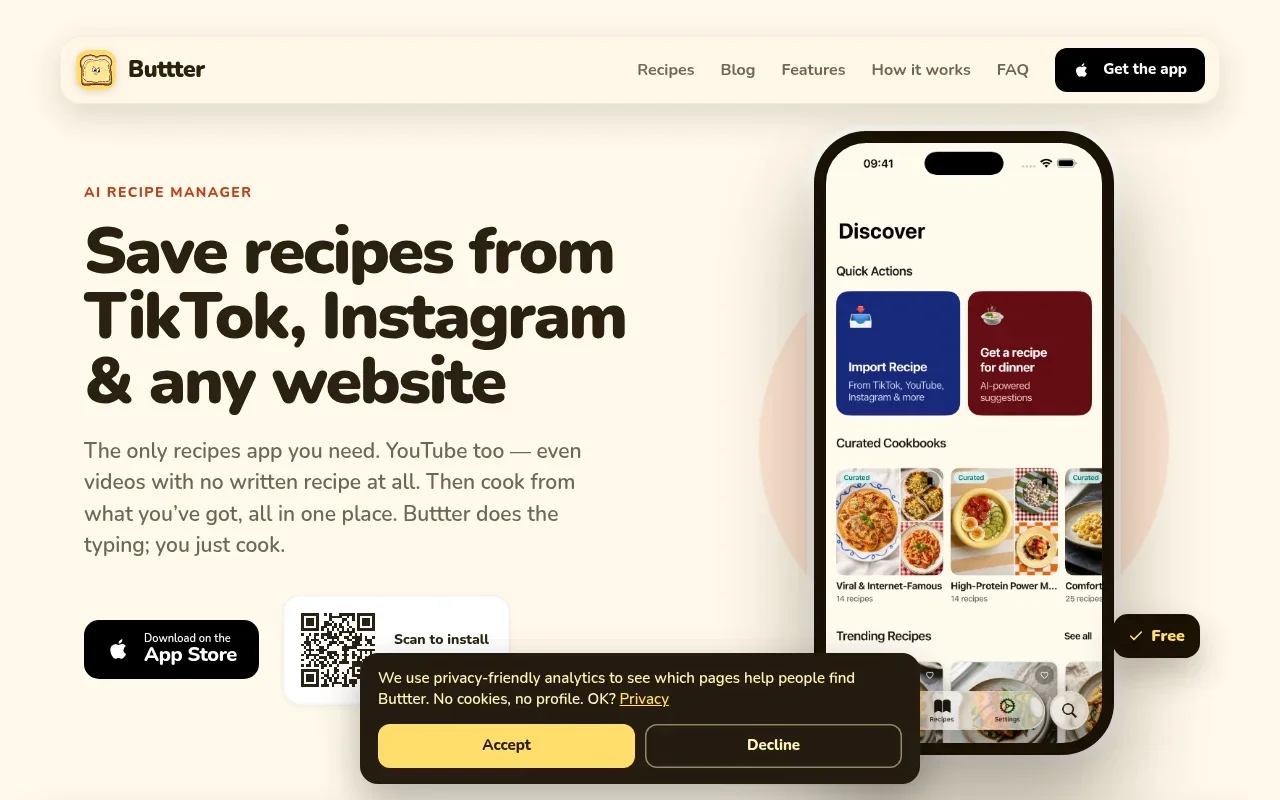
Buttter brings generation and recipe organization together for iPhone and iPad users. You build your ingredient list by taking a photo of your fridge, typing items, or speaking them. The app identifies the available food, which you can edit before moving forward. Because it links recipe generation to a broader organizational system, you can save these drafted dishes alongside the social videos you import from TikTok, Instagram, or Pinterest.
The application offers preference settings for diets, allergies, and cravings to guide the draft. The resulting recipes include measured amounts, numbered steps, and automatic nutrition estimates. After creation, you can scale the serving quantities or send the required ingredients to Apple Reminders, Things 3, or Todoist. Buttter requires iOS 18 or later and has no Android or web version. It is free to download, with photo scans limited on the free tier. Unlimited use requires an optional subscription, and the current price appears inside the app.
PantryAI: Typed Lists to New Recipes
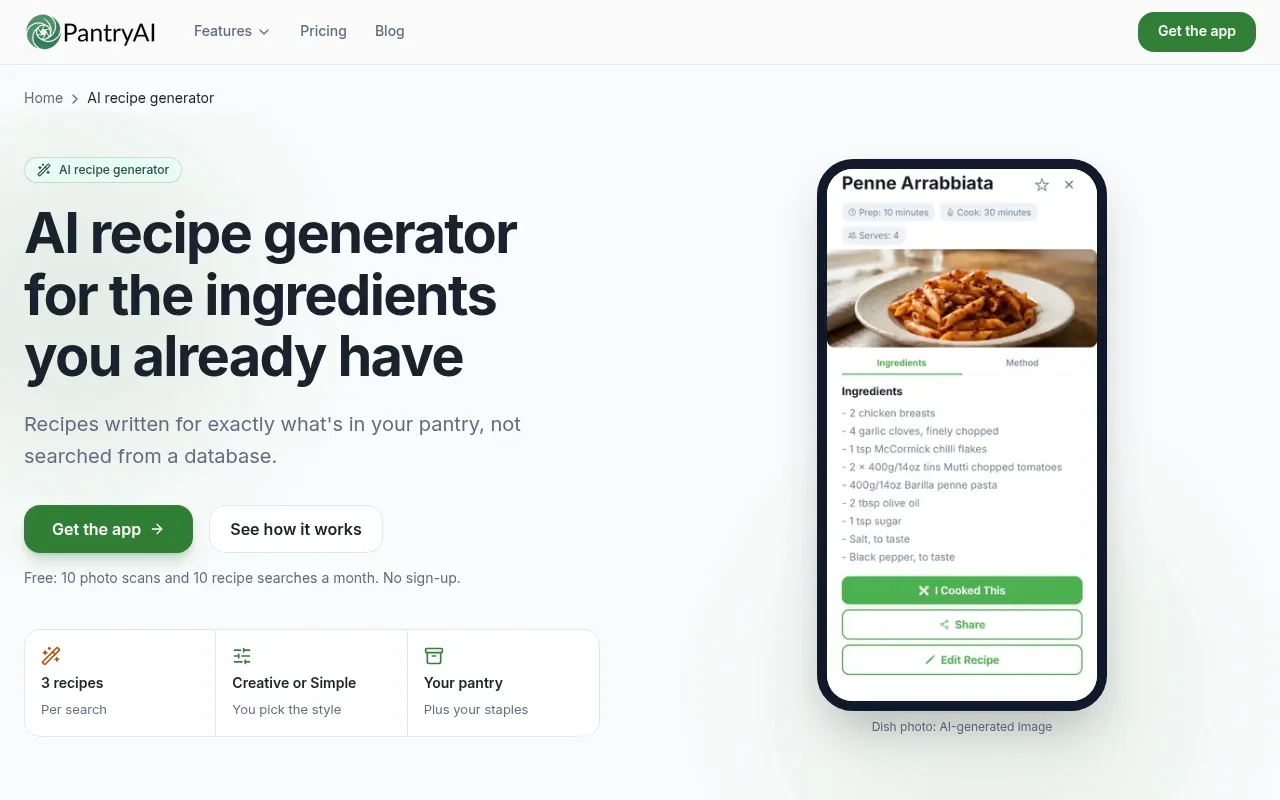
PantryAI writes custom recipes from your available contents rather than searching a database of pre-written meals. You type your available items into the interface, and the system drafts instructions around them. According to the PantryAI Recipe Generator page, the tool provides three recipes per search. Each generated result includes ingredient quantities, step-by-step instructions, prep and cook times, and a serving yield.
You can exclude specific ingredients you do not want to eat, though the page lacks dedicated controls for diets, allergies, cuisines, or target servings. The basic tier provides 10 free searches per month. As a direct typed-list option, it leaves cooks to read and review the generated drafts before turning on the stove.
ChatGPT: Flexible Prompt-Led Drafts
For a concrete example, the OpenAI Academy ChatGPT Foundations Webinar: Resource Guide shows a recipe prompt that sets a 30-minute limit, asks for a dinner suited to a picky toddler, excludes fish, and includes a refrigerator photo.
This flexibility means the tool adapts to highly specific requests, such as asking for a particular cuisine or a precise cooking method. You provide all the boundaries yourself because the interface lacks dedicated buttons for allergies, servings, or dietary patterns. The resulting draft depends entirely on the constraints you define in the chat box.
SuperCook: Existing-Recipe Matching
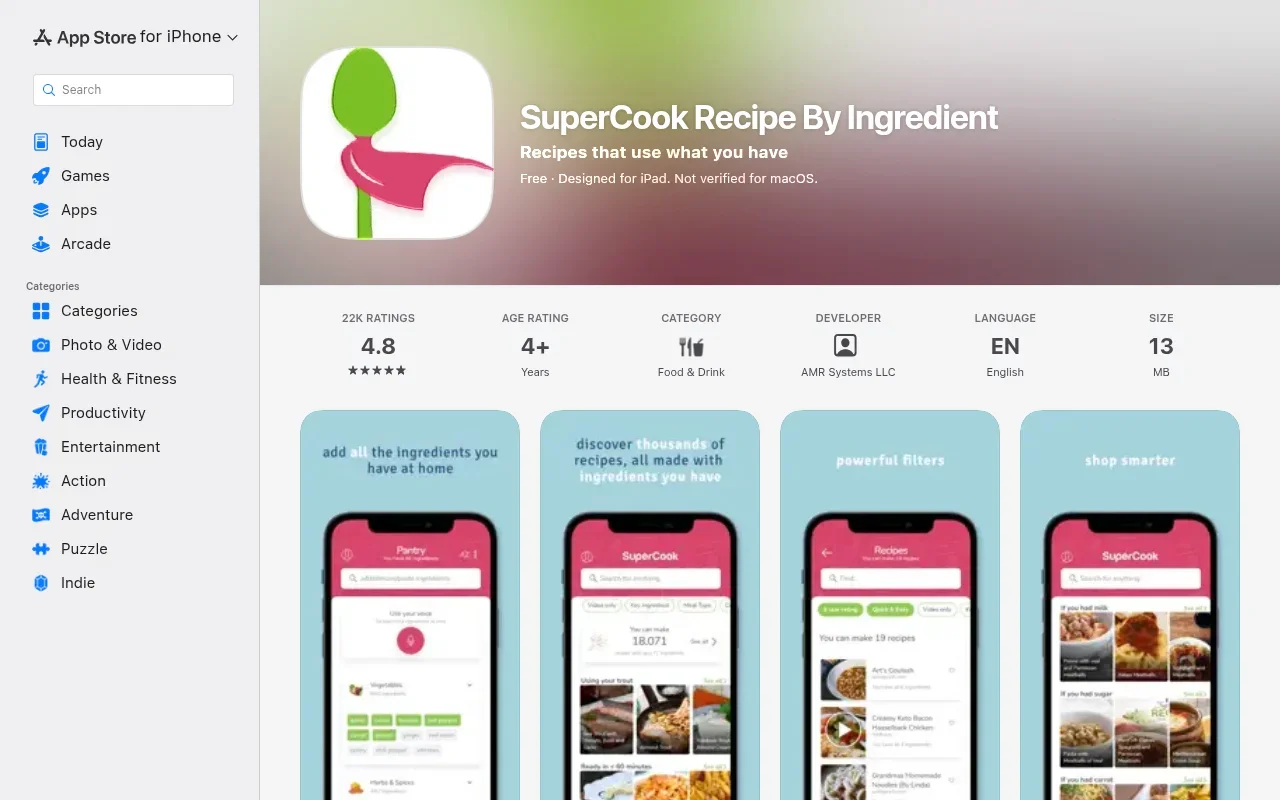
SuperCook takes a different approach by matching your inventory against a catalog of already-written recipes. You add your available items to a digital pantry list, and the platform filters its database to find dishes you can make immediately. The U.S. App Store description for SuperCook states these recommendations adjust dynamically when you remove an ingredient from your list.
This method benefits cooks who prefer following tested instructions from recognized food publishers rather than cooking from an AI-generated draft. Because the app acts as a search engine for your pantry, you cannot ask it to invent a new flavor combination or swap a core protein in a published dish. Instead, you choose from the matches the system finds based on your exact inventory.
Samsung Food+: Food-List Search and AI Personalization
Samsung Food organizes recipes, meal plans, and grocery lists across your devices. The official Food Plus page describes a feature called "Search recipes by food list" operating separately from the platform's AI recipe personalization. This search function uses the items you log in your Food List and prioritizes ingredients nearing their expiration dates.
The search finds matching recipes based on those priority items, helping you use groceries before they spoil. Samsung prices the Food+ tier at $6.99 per month or $59.99 per year, with prices varying by country. This platform suits cooks wanting ingredient-aware recipe discovery integrated into a larger meal-planning and appliance ecosystem.
Give the Generator a Clear Pantry Brief
Clear input gives the generator a more specific task and can reduce the revisions a draft needs. While no tool guarantees perfect adherence to every constraint, telling a system exactly what you have and expect produces better results.
List your ingredients with precise quantities whenever you know them, since a single chicken breast leads to a different meal plan than a family-pack of thighs. Describe the state of your food; cooked rice behaves differently than uncooked grains under a strict 25-minute limit. Note whether your canned beans are drained, your vegetables are fresh or frozen, and your meats are thawed. If you scan your shelves using Buttter's fridge photo recipe generator, review the detected inventory and correct any mistakes before proceeding.
Separate your must-use items from the optional ones. You might have half an onion or a specific vegetable going bad by tomorrow, while the yogurt in the back can wait. Naming the ingredients you want to finish forces the tool to center the dish around them.
Name the staples you keep on hand. Software often assumes every kitchen has olive oil, kosher salt, black pepper, garlic powder, and eggs. If you lack cooking oil or rely on a specific spice blend, state that in your input. Specifying your exact pantry prevents the draft from adding assumptions that require a grocery run.
Define your time budget and equipment limits by telling the system whether your requested duration includes preparation or only cooking time. If you want to avoid a sink full of dishes, ask for a one-pot chicken broccoli orzo recipe format. Naming a constraint like "stovetop only" or "one skillet" keeps the instructions practical for a weeknight.
Set your serving target early and ask for the intended yield so the ingredient quantities match the number of people at your table. If your chosen application only allows yield adjustments after the draft is written, use a recipe scaler function to review the updated measurements before you start chopping. Make your preferences concrete rather than relying on vague adjectives, because words like "healthy" or "quick" mean different things to different systems. State your dietary pattern, name your dislikes, set a specific spice level, and point toward a cuisine direction. If you want a one-skillet marry me chicken with gnocchi recipe style of comfort food, mention heavy cream and sun-dried tomatoes directly. List hard exclusions clearly so the draft avoids them. Finally, ask for a cookable format. Request measured ingredients, numbered steps, separate prep and cook times, and a clear note for anything the system adds that was not on your original list.
Copy a Prompt That Sets the Right Constraints
You can use the template below as a starting point for general chat assistants or tools accepting open text, adapting it to fit the specific buttons and toggles your chosen application supports.
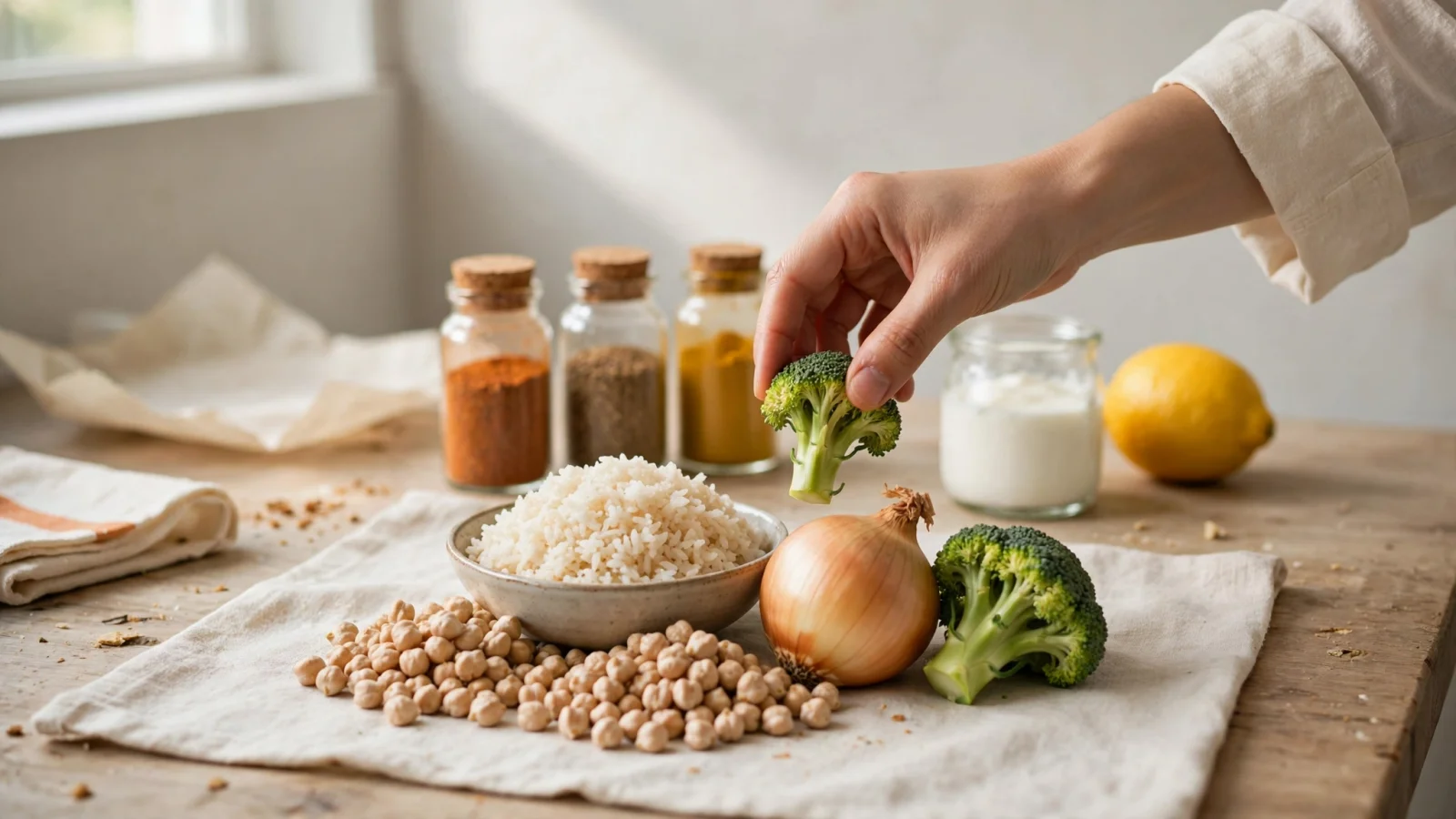
Make a vegetarian weeknight dinner. Must use: one drained can of chickpeas, one cup of cooked rice, one small head of broccoli, and half an onion. Also available: lemon and plain yogurt. Pantry staples I have: olive oil, salt, black pepper, and cumin. No mushrooms; keep it mild; stovetop only. Make it for three people in no more than 25 minutes total, including prep. Give measured ingredients, numbered steps, and separate prep and cook times. Do not assume other ingredients; mark any extra as optional.
This prompt succeeds by separating the mandatory ingredients from the flexible ones. It establishes the available pantry staples, removing the software's ability to guess what spices you own. The instructions define the equipment constraint, serving size, and time limit, so the 25 minutes includes chopping and prep. Finally, specifying the output format gives you a structured set of instructions rather than a conversational paragraph. The quantities, times, and servings in this example illustrate the format, not a tested recipe.

Review the Draft Before Cooking
Treat every generated recipe as a draft, not a tested kitchen recipe. Software makes assumptions, may produce hallucinated measurements, and can miss the mark on flavor balance.
Check the detected inventory first, especially when your ingredients came from a photograph. Computer vision often misses items hidden behind taller bottles, mistakes the contents of opaque storage containers, or fails to register produce in the dark corners of a crisper drawer. You can edit the recognized items in Buttter by typing or using voice commands to add anything the camera missed.
Look for unlisted ingredients in the final draft. A generator might assume you have chicken broth for a soup or flour for a roux, even if you left them off your staples list, so scan the required ingredients and compare them against your physical counters. Confirm the quantities and the preparation steps to ensure the instructions tell you when to drain a can, chop a vegetable, or temper a sauce. Software sometimes lists an ingredient in the amounts section but forgets to include it in the numbered steps.
Recheck the time estimates and the serving yields. Because a generated 20-minute cook time is based on average preparation speeds rather than a promise about when dinner will reach the table, check the time estimate and make sure the scaled quantities suit the number of people eating.
View any provided nutrition information as an estimate, since automatic calculations vary based on the specific brands you buy and the exact quantities you pour. If you manage a serious food allergy, check the physical product labels in your kitchen rather than relying on the generated text alone. Revise your prompt and generate a new draft if the current version introduces unavailable ingredients or unsafe assumptions.
Choose the Tool That Fits Your Routine
Your ideal tool depends on whether you want to cook a bespoke draft or follow an existing publication. You also need to decide whether a standalone generator or a broader system that organizes your other saved meals fits your kitchen better.
Choose Buttter if you want to bring your supported social recipe saves and ingredient-based generation together in one searchable cookbook. The app bridges the gap between saving a TikTok video and drafting a meal from a fridge photo, making it a strong option for iPhone and iPad users running iOS 18 or later. You can edit the photo recognition results, apply preference settings, and hand the ingredients off to your to-do apps.
Select PantryAI if you want a direct, typed-list option in your web browser without dedicated diet or allergy controls. Use ChatGPT when you want complete conversational command over your prompt constraints, from cuisine styles to specific excluded items.
Pick SuperCook if you prefer matching your pantry against existing recipes from food publishers instead of cooking from an AI-written draft. Consider Samsung Food+ if you want food-list search and expiration tracking integrated into a larger meal-planning subscription.
Decide whether a new draft or an existing match fits your evening better, enter your available pantry items accurately, and review the resulting steps before you turn on the stove.
Ready to turn your saved food videos and your current groceries into cookable meals? Download Buttter to build searchable cookbooks, import social posts, and generate recipes from a photo of your fridge.
