
Pestle Alternatives for Your Recipe Workflow
For iPhone cooks, compare Buttter, Pestle, Paprika, and Crouton on recipe capture, usable imports, search, device support, and pricing before switching.
By Buttter ·
A saved food video is not a recipe. When you paste a link from a looping social media post into a notes app or a bookmark manager, you preserve the inspiration, but you still have to pause and replay the video, often with wet hands, to figure out how much flour to use. The right recipe manager closes that gap between seeing a meal online and standing in your kitchen ready to cook it.
If you currently use a digital recipe box and find yourself hitting storage limits, struggling to import TikTok videos, or wishing your household could share a single grocery list, you are likely evaluating Pestle alternatives. The decision comes down to what you cook, where you find your ideas, and which devices your family uses. Evaluating apps like Buttter, Pestle, Paprika, and Crouton requires looking past their design to see how they handle capture, kitchen workflows, and ecosystem support.
The Capture Gap and Usable Imports
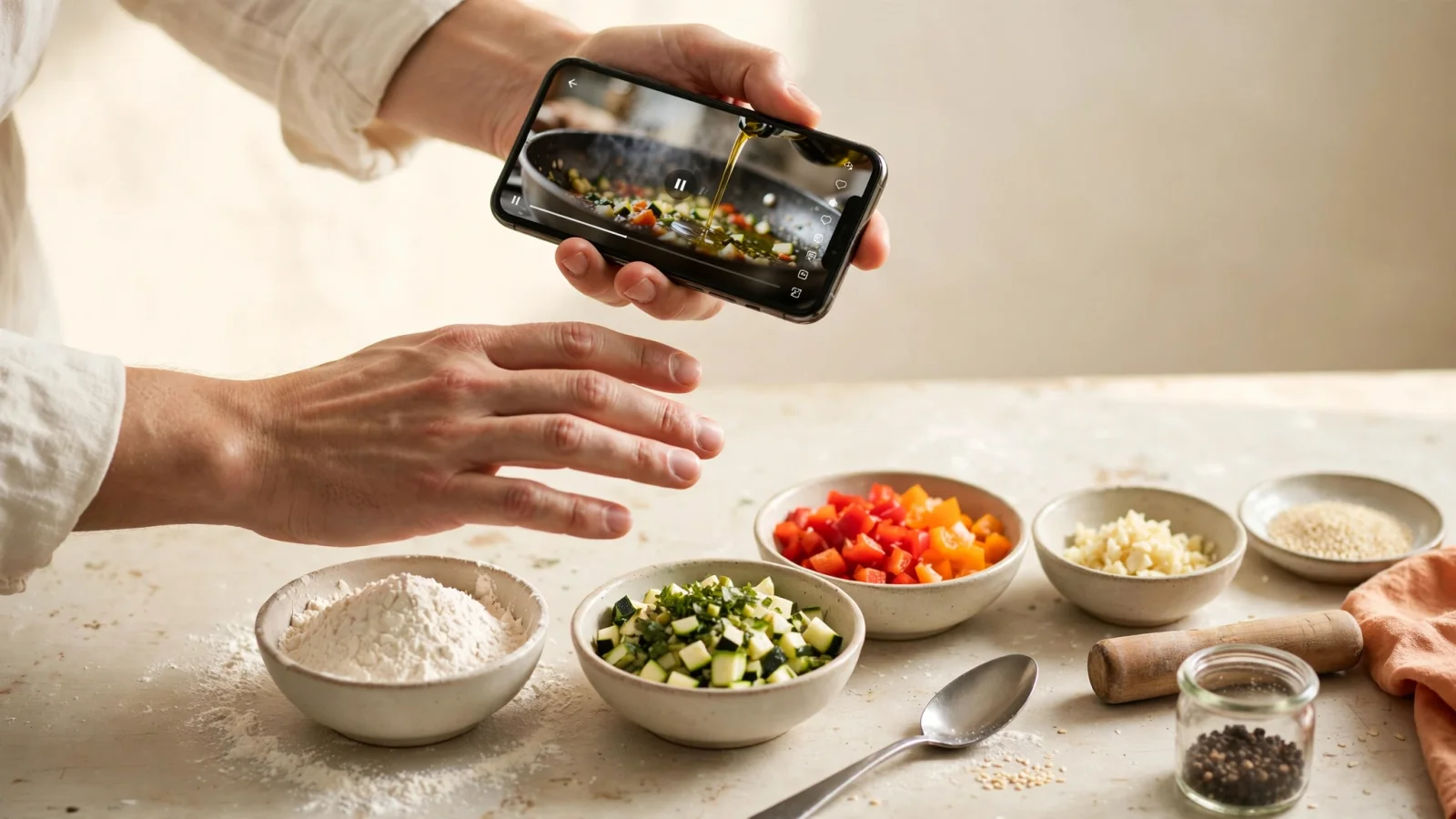
Every recipe manager claims to save links, but import results depend on the source. Standardized food blogs often include structured recipe details, while an unscripted social video may leave an app to infer ingredients and steps. You need to know whether an app creates a cookable, structured recipe or saves only a shortcut to the original post.
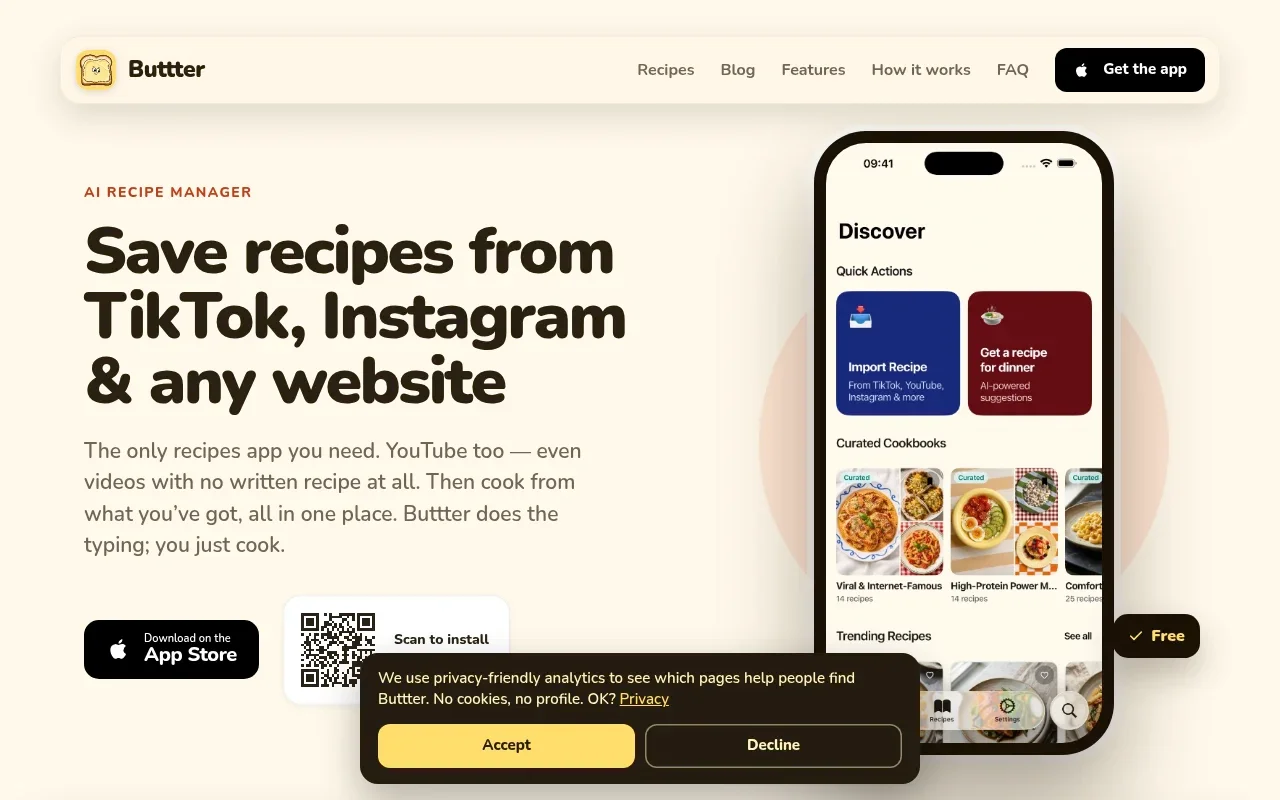
Because Buttter focuses directly on social media formats, it can turn videos without written recipes from platforms like TikTok, Instagram, and YouTube into recipes with ingredients and steps, as its App Store listing describes. When you paste a link or share a video from a social app, the app creates a structured recipe and lets you scale serving quantities.
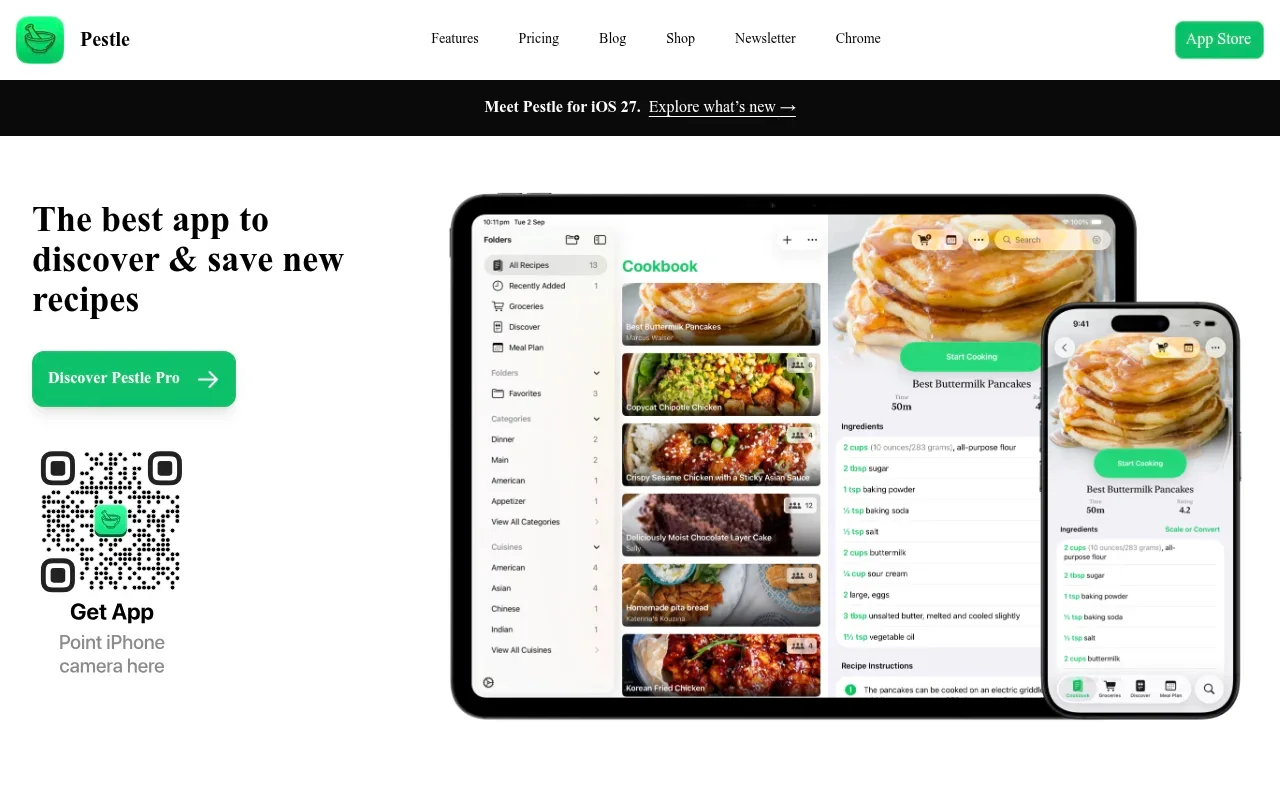
Pestle imports recipes from social platforms and websites, and when it can't extract recipe details, it saves a bookmark that takes you straight back to the source, as its App Store listing notes.
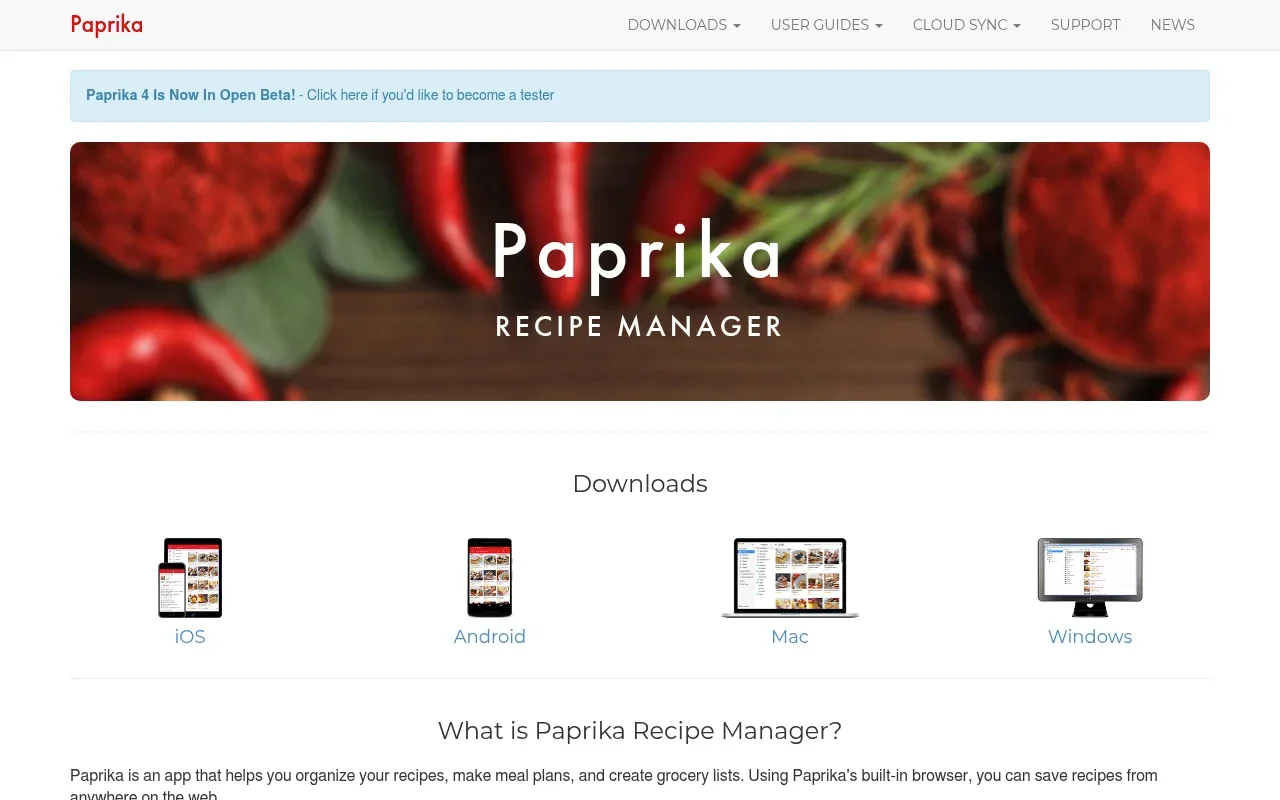
Paprika imports recipes from recipe websites. Its feature table lists social importing and recipe scanning as Premium features, so users need Premium access to use those tools.
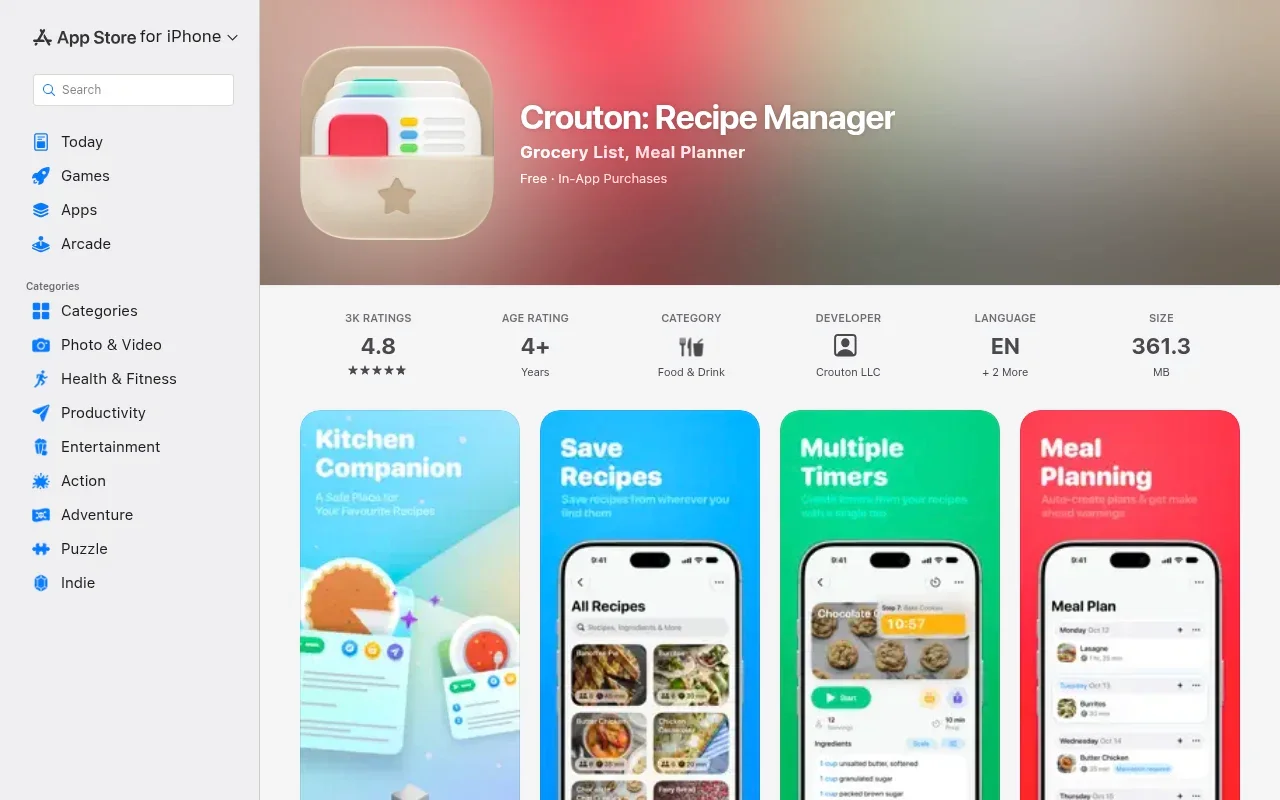
Crouton combines recipe scanning with Apple features such as iCloud sync. Alongside website imports, its recipe scanner can capture ingredients and steps from a recipe book, helping you digitize recipes without typing every line by hand.
Search, Cooking, and Planning Workflows
Once a recipe is in your app, its interface shapes how you plan your week and cook. Some applications optimize for rigid meal planning and broad pantry management, while others focus on ingredient-led discovery and fluid cooking.
For a busy weeknight, ingredient-led discovery starts with what is already in the kitchen. Buttter puts that approach into practice by accepting typed ingredients or a fridge or pantry photo and generating recipes matched to your dietary preferences, as its App Store description explains. It also offers personal, curated, and community cookbooks, plus recipes with clear steps and nutrition information. When shopping day arrives, Buttter can send recipe ingredients to an external shopping list or to-do app.
Pestle emphasizes guided cooking and internal organization. Its step-by-step mode highlights current ingredients and provides timers directly within the active step, and if you need to scale a dish, the application updates the measurements automatically. Upgrading to Pestle Pro unlocks meal planning calendars and household sharing. This workflow keeps your grocery list inside the application rather than exporting tasks to external productivity apps.
Paprika combines recipe organization with household planning tools, including search across recipe fields, meal planning by day, week, or month, and grocery lists that combine matching items. Its pantry feature tracks what's in the pantry and when it expires, while nutrition calculations from recipe ingredients are a Premium feature, according to its current feature table. Together, these tools suit users who want to plan meals ahead and review nutrition information for saved recipes.
Crouton balances organization with a visual, Apple-native experience. Its App Store listing outlines meal planning, step-by-step cooking, and family sharing through iCloud. The listing also shows support for Apple Watch and Apple Vision, extending the app across Apple's devices.
Device Support and Household Fit
Your household's devices shape which app makes sense, since even a highly rated app won't help if the person doing the grocery shopping can't open it on their phone.
Paprika is available for iPhone, iPad, Mac, Android, and Windows. If you use an Android phone but prefer organizing your week on a Windows laptop or an iPad, Paprika syncs your recipes across those devices. That cross-platform support makes it a practical choice for households with mixed operating systems.
Buttter is listed as an iPhone app requiring iOS 18 or later. Its App Store compatibility details also list requirements for M1-or-later Macs and Apple Vision, while noting that the app is not verified for macOS. Because it is designed around Apple's ecosystem, households with Android users should check whether Buttter's external shopping-list exports fit their workflow. If you cook on an iPhone, this focused approach keeps the interface familiar.
Pestle also stays within Apple's ecosystem, with App Store compatibility for iPhone, iPad, Mac, Apple Watch, and Apple Vision, plus syncing across devices. Crouton also supports Apple Watch and Apple Vision, alongside Mac, iPhone, and iPad, and syncs recipes across the household through iCloud.
Choosing an Apple-only app can make live grocery-list sharing harder when someone in your home uses Android, unless the app supports a cross-platform list or export. This means you have to weigh whether cross-platform syncing matters more than native iOS features and direct integrations with task managers.
Pricing Models and Free Limits
Evaluating the cost requires checking the exact limits of the free tiers and understanding the payment models, which range from one-time purchases to optional subscriptions. The following details reflect prices and feature limits as of November 2026.
Pestle's current pricing page lists a 15-recipe free tier and Pestle Pro at $24.99 per year, so you can test the guided cooking interface and import tool before expanding your collection. The Pro subscription removes the recipe cap while adding device synchronization, household sharing, meal planning, and imports from PDFs or photos.
Buttter is free to download and includes in-app purchases, as its App Store listing shows. Check the purchase screen to confirm which features are included and what the current upgrade costs.
Paprika uses a different structure depending on your user history and region. Its official plan details list a free tier capped at 50 recipes, with social importing, recipe scanning, nutrition data, and cross-device syncing included in Premium. Prices vary by region and appear before subscribing. Paprika 3 owners receive Standard access with unlimited recipes and syncing without a new subscription.
Crouton is free to download and offers in-app purchases. Its App Store listing shows the available purchase options, so check which features are included before moving your collection.
Compare Your Workflow
Selecting the right tool requires mapping your specific habits to the strengths of each platform. The table below outlines common cooking scenarios and the features that support them.
| Cooking Habit | Required Features | Strongest Match |
|---|---|---|
| Saving social media videos with no written text | Video parsing, AI ingredient extraction, step generation | Buttter |
| Managing recipes across Mac, Windows, iOS, and Android | Broad operating system support, cross-platform syncing | Paprika |
| Scanning physical cookbooks and recipe cards | Recipe scanning, photo import, visual organization | Crouton |
| Heavy meal planning with calendar views | Calendar integration, consolidated grocery lists, pantry tracking | Paprika, Pestle Pro |
| Cooking from ingredients you already have | Fridge photo analysis, typed ingredient matching | Buttter |
Test Three Recipes Before Switching
Reading feature lists will not tell you how an app feels when you are cooking. Before migrating your entire collection or paying for a yearly subscription, run a practical test using three distinct types of content.
First, import a standard recipe from a popular food blog to check whether the app pulls the exact ingredient quantities, formatting, and original high-resolution photo. Verify that the source link remains clickable so you can read the author's original notes if needed.
Second, import a social media post that includes a written recipe in the caption and watch how the app handles the text formatting. Notice whether it correctly separates the ingredients from the cooking instructions, or if it dumps everything into one large text block.
Third, import a short cooking video that contains no written recipe at all to reveal the limits of the software. See if the app generates distinct, measurable ingredients and a logical sequence of steps, or if it saves the URL as a basic bookmark.
After importing, open the app on your phone and try scaling the third recipe from four servings to six, paying attention to whether the fractions update cleanly. Finally, attempt to send the resulting ingredient list to your preferred shopping app or share it with a family member to verify the export process.
If your primary frustration is finding meals to make with the ingredients in your pantry, or turning unscripted social videos into actionable steps, test Buttter first. If you need a strict, calendar-based meal planner that syncs across a Windows desktop and an Android phone, Paprika handles that complex database work reliably. Crouton provides a visual, Apple-integrated experience for digitizing physical cookbooks. Meanwhile, Pestle Pro remains a strong option if you enjoy its guided cooking interface and need more storage and planning capacity.
You do not have to switch applications if your current tool handles your workflow. However, if you spend more time managing bookmarks and re-watching videos than you do cooking, moving to a manager that understands the content you save will resolve the friction in your kitchen.
Stop scrolling past recipes you will never cook. Download Buttter to turn social media videos into structured steps, generate meals from your fridge, and organize your digital cookbook on your iPhone.
