
Family Recipe Sharing Apps: Links or a Shared Cookbook?
Compare links, Apple Notes and Photos, and recipe apps by access, contributions, and what each preserves for the next cook.
By Buttter ·
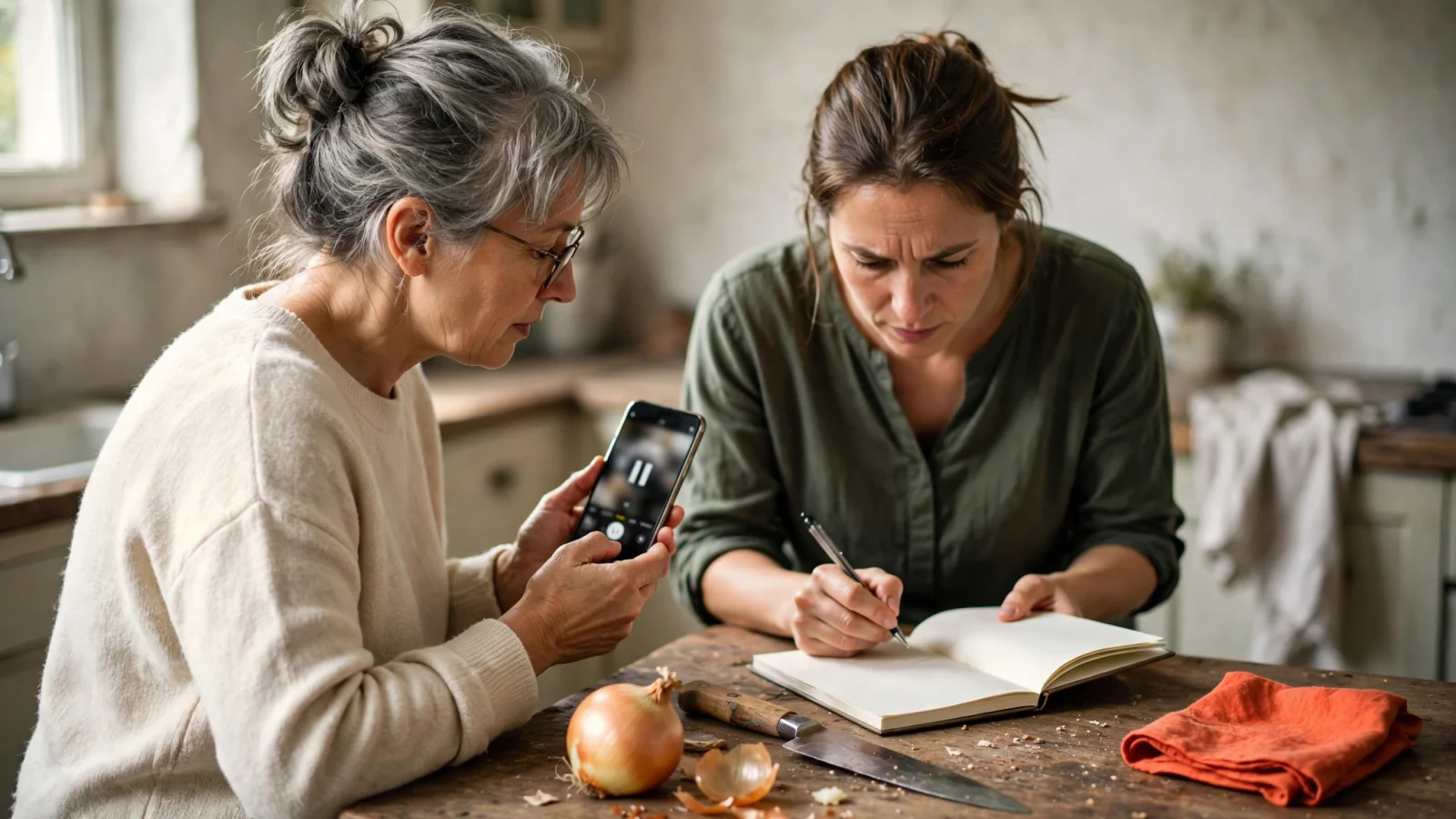
A relative sends a cooking video to the family group chat. You open the link, watch the one-minute clip, and decide to make the dish for dinner. Then the friction starts. The video moves too fast to read the measurements, the creator never wrote down the ingredient list, and your screen keeps locking while you chop onions. You have a saved video, but you lack a usable recipe.
Deciding how to pass dishes around your household means choosing between one-off recommendations and a reusable collection. The right method depends on who needs to open the file, who can change the ingredients, and what survives from the original source.
Before moving an entire archive to a new system, evaluate whether you need a jointly editable library or a better way to save posts. Buttter's official feature overview says the app turns supported social posts and videos into formatted ingredients and steps, and lets users send recipes and cookbooks to others. Its published features focus on recipe capture and distribution, while joint family editing remains unverified.
Compare Access, Contributions, and Source Preservation
When choosing a family recipe sharing app, start with who can open a recipe, who can contribute, and what gets preserved from its source. Access can depend on a specific platform, account, or compatible device, so a link that requires a social media login can frustrate relatives who don't use that platform.
Being able to view a finished recipe doesn't necessarily mean you can add, edit, or delete items in a synced household collection. Some software lets participants view a file but restricts edits to the original creator.
Preservation can mean keeping a reopenable source URL, saving a visual record, such as a video or a photograph of a handwritten index card, or retaining a structured recipe with separate ingredients and numbered steps. These formats are not interchangeable. If a tool's documentation doesn't say whether a structured recipe retains its original URL, treat link retention as unverified.
| Model | Access requirements | Contribution rights | Source preservation |
|---|---|---|---|
| Individual link | Depends on post privacy, platform rules, and login requirements | No shared recipe-library editing | Keeps the original URL; does not create a structured recipe |
| Apple Notes | Requires an iCloud note; recipient requirements vary by software version and settings | Owner can choose view-only or edit access, depending on version | Keeps pasted text and URLs; requires manual formatting |
| Apple Shared Albums | Apple Account or browser link, depending on version and settings | Participants can add images and comments; web permissions vary by version | Preserves photos and videos only; no structured ingredients or source URL |
| Buttter | iPhone or iPad app, iOS 18 or later | Sending recipes and cookbooks supported; joint editing unverified | Formats ingredients and steps; original URL retention unverified |
| AnyList | Requires an AnyList account; check the plan for household recipe sharing | Recipe and meal-plan changes sync to the household | Stores structured recipe text; original source-link retention unverified |
| Paprika 4 | Available on iOS, macOS, Android, and Windows; Premium required for family accounts and social imports | Family accounts offered; shared editing permissions need checking | Social importing is a Premium feature; video-only reconstruction and URL retention unverified |
Low-Setup Sharing: Links, Notes, and Albums
Links, shared Notes, and Shared Albums offer immediate sharing options, especially for families already using Apple devices. Each tool creates a different kind of shared record, so understand its limits before building a large library.
Send an Individual Recipe Link
Forwarding a URL works well for an occasional recommendation because the recipient gets a direct pointer to the original post. This method takes no setup and avoids maintaining a separate database.
The recipient’s ability to open the link depends on the source platform’s privacy settings, login requirements, and the post’s availability. If you send an Instagram reel to a relative who mainly uses Facebook, they may be asked to sign in or open another app. A link also does not create a shared collection or turn a fast-paced video into cooking instructions. If the creator deletes the post, the link may stop working, so save the recipe details if you need a lasting reference.
Collaborate in Apple Notes
A shared Apple Note provides a lightweight collaborative document where family members can type instructions, paste URLs, and add personal tweaks in a single file.
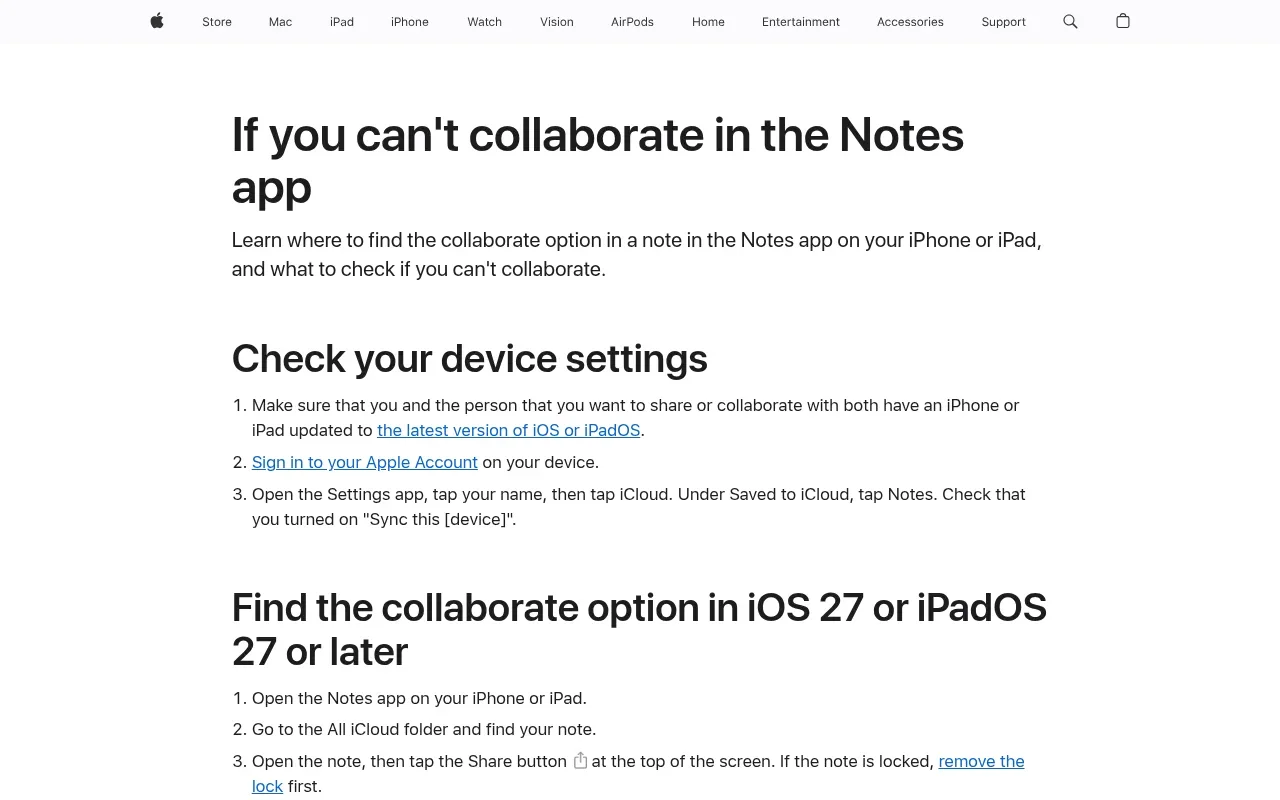
Apple’s guidance on Notes collaboration explains that access and editing options vary by software version. Specifically, on iOS or iPadOS 27 or later, the note owner can grant edit or view-and-download-only access; on iOS or iPadOS 26 or earlier, collaborators must use an Apple device signed in to an Apple Account. With collaboration enabled, multiple relatives can add family-history details alongside cooking steps.
Contribute Through Apple Photos Shared Albums
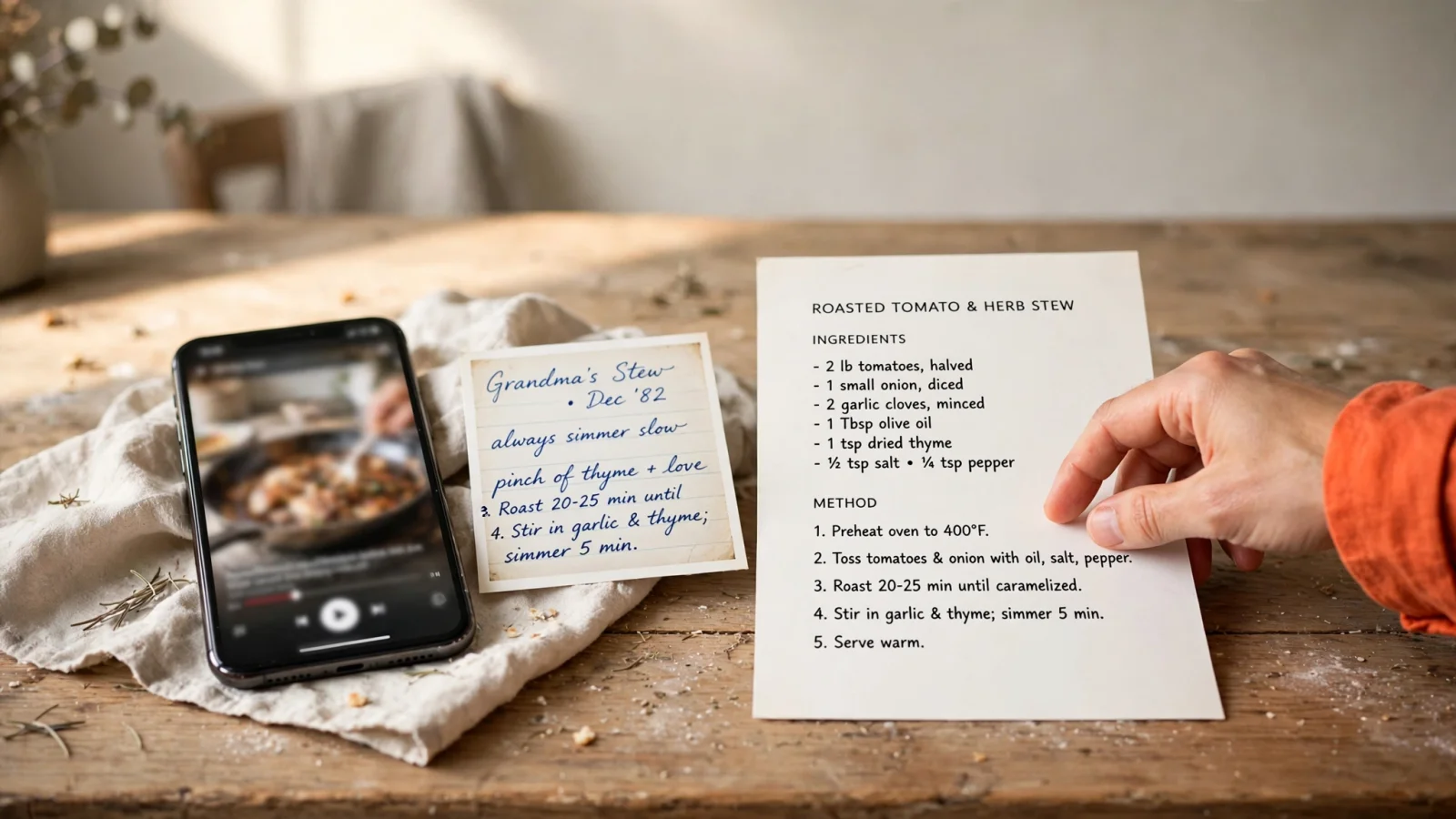
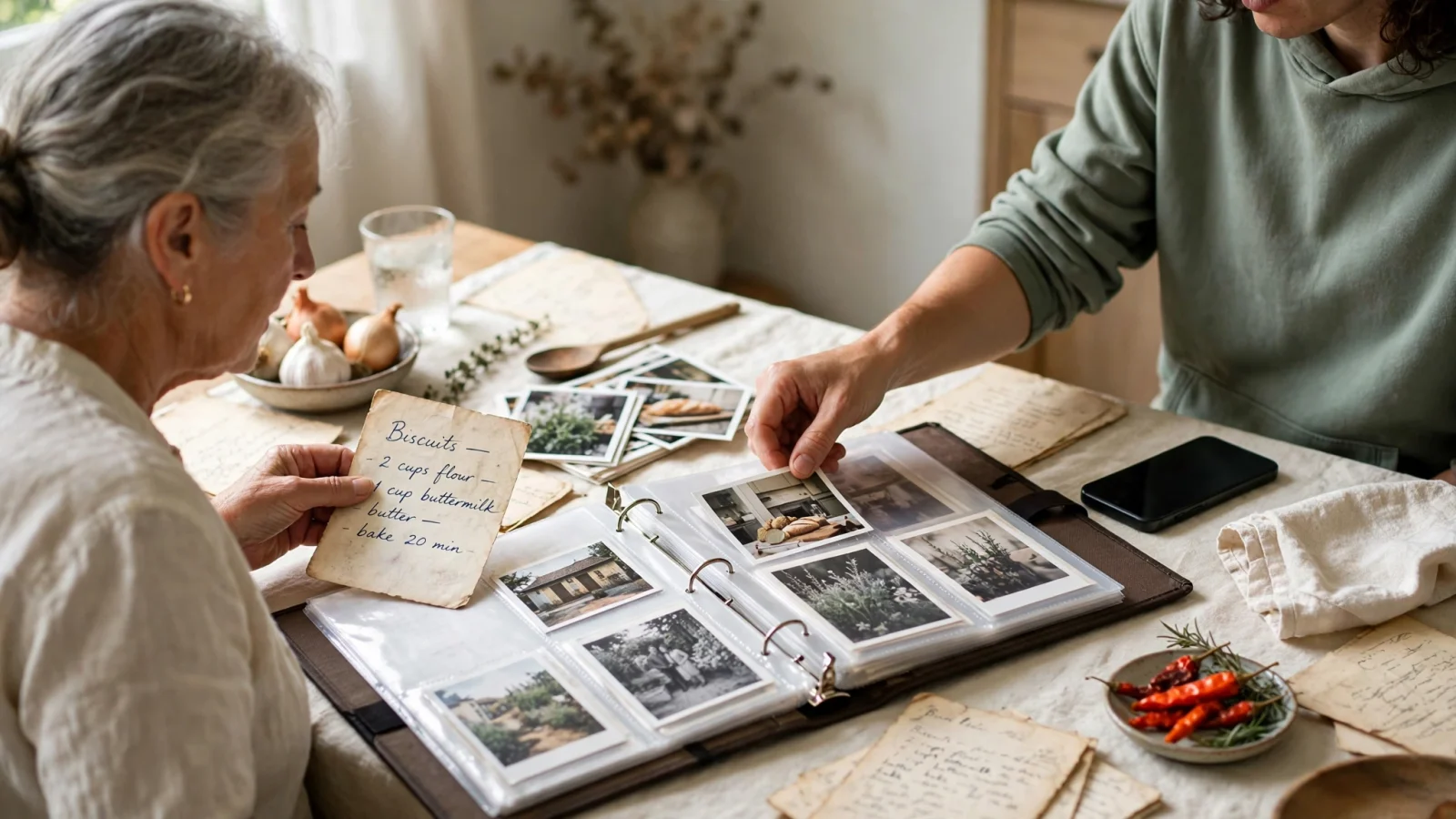
Visual sharing works best when family members want to preserve the look of a recipe. A Shared Album lets everyone collect photos of stained index cards, screenshots of websites, and short cooking clips in one place. The handwriting on an old family card carries sentimental value that typed text lacks.
Apple’s Shared Albums guidance says album owners control who can access an album and whether participants can add photos. On iOS 27 and iPadOS 27, people can join and contribute through a link from Apple or non-Apple devices, even without an Apple Account. On earlier versions, the Public Website option lets people view the album in a browser. Because access differs by software version, check the album settings before inviting relatives.
A saved image or video does not function as a structured recipe. You cannot text-search a photograph for a specific ingredient, nor does an image automatically act as a clickable source URL. To track where a dish originated, add source details in the photo comments separately.
Buttter: Make Social Recipes Cookable
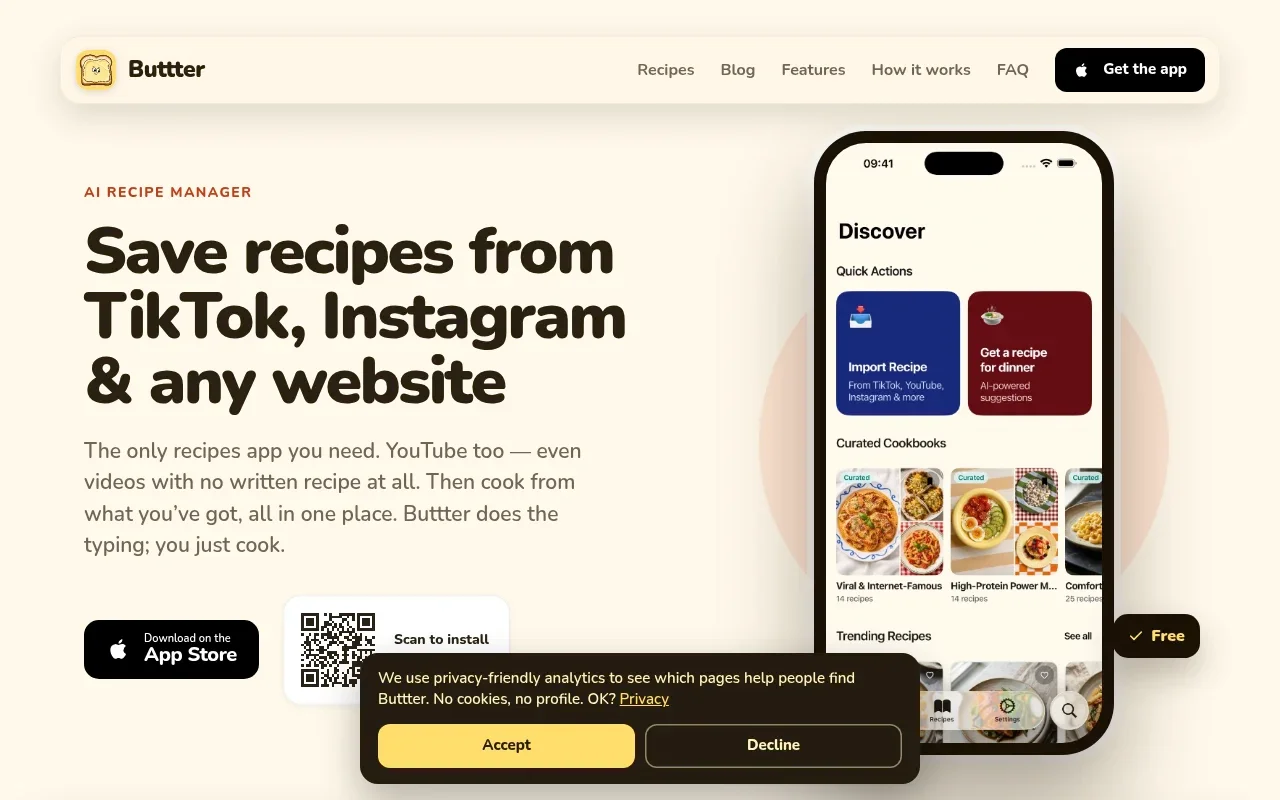
When you want to capture a dish from a social feed and cook it, Buttter bridges the gap between a post and a usable format. This tool targets Apple users and social-first cooks whose immediate problem is turning online content into structured steps.
You can paste a URL directly into the app or use the iOS share sheet while browsing supported platforms. To save recipes from TikTok or other supported social platforms, route the post to Buttter. Its official feature overview says supported videos, including clips without written instructions, can be formatted as ingredients and numbered steps. Review the amounts and method before cooking, since a video may not provide exact quantities. You can organize the results into searchable personal cookbooks alongside curated and community collections.
Beyond social importing, the app functions as a daily cooking tool. You can request dish ideas by typing ingredients you already own or by using the fridge photo recipe generator to build a recipe from a pantry or fridge photo. You can set taste, allergy, and dietary preferences for generated recipes, but review the ingredient list before cooking, especially when managing an allergy. The app estimates nutrition, scales ingredient quantities when the serving size changes, offers step-by-step cooking guidance, and exports ingredients to a shopping-list or to-do app.
The official site confirms that users can send individual recipes or whole cookbooks to others. Details that remain unverified include whether recipients need a Buttter account to view items, whether sharing is view-only or editable, whether recipients can add dishes to a shared cookbook, and whether the original social URL remains available alongside the extracted text. Do not treat the presence of community collections as evidence of a jointly managed, private family library.
According to Buttter’s platform and pricing details, the app runs on iPhone and iPad with iOS 18 or later and has no Android or web version. It is free to download, while some AI features require an optional subscription priced in the app.
Shared Recipe Collections: AnyList and Paprika 4
Dedicated recipe managers separate themselves from social capture tools by emphasizing structured household planning. Their stated strength is keeping multiple people synchronized, though that focus does not automatically confirm how they handle source links or social video imports.
AnyList
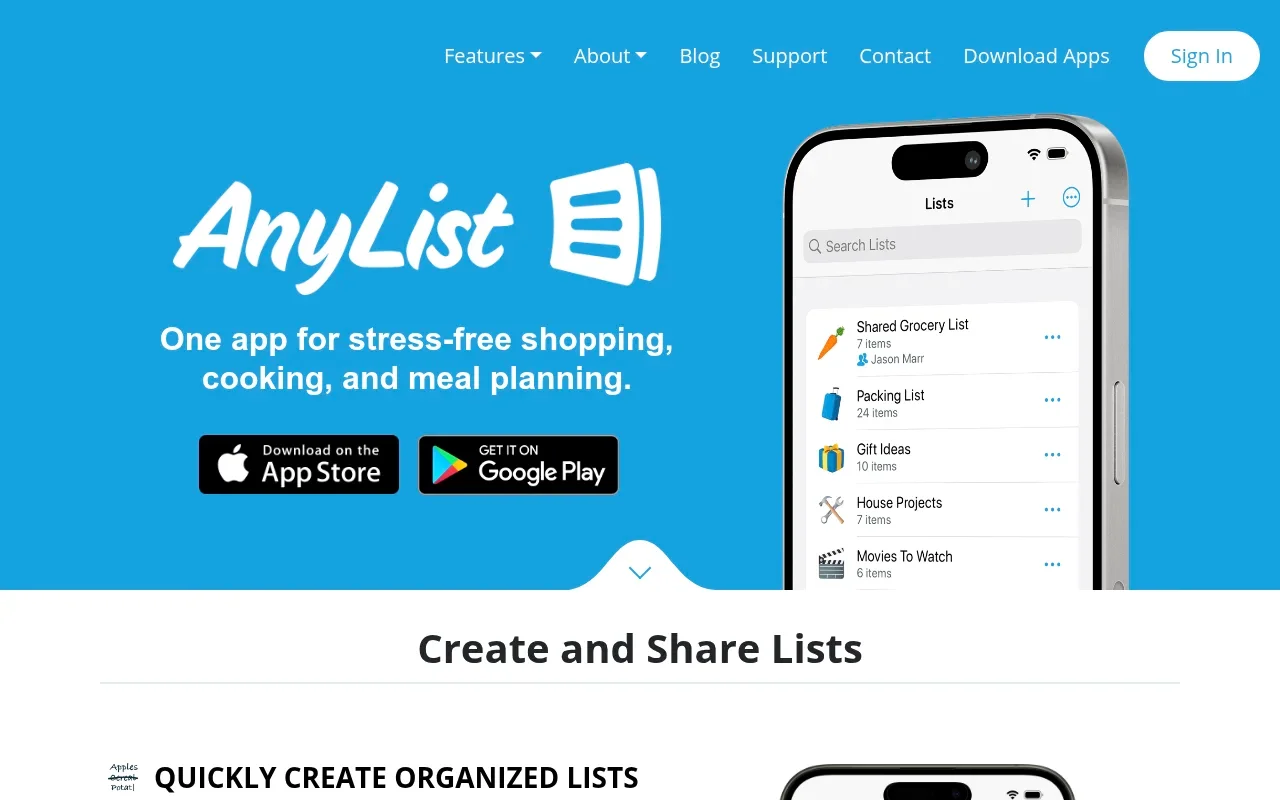
AnyList focuses on syncing data across a household. Its documentation outlines a system for families who need to maintain shared recipe collections and a meal-planning calendar.
The company’s household sharing guide confirms that changes to recipes and the meal plan sync to everyone in the shared group. Specifically, when one person adds or deletes a recipe, the change appears across the group, making it a documented fit for an ongoing, jointly maintained collection. The guide does not address whether imported recipes retain a usable original-source link, and it gives no pricing details, so check current product information before comparing prices.
Paprika 4
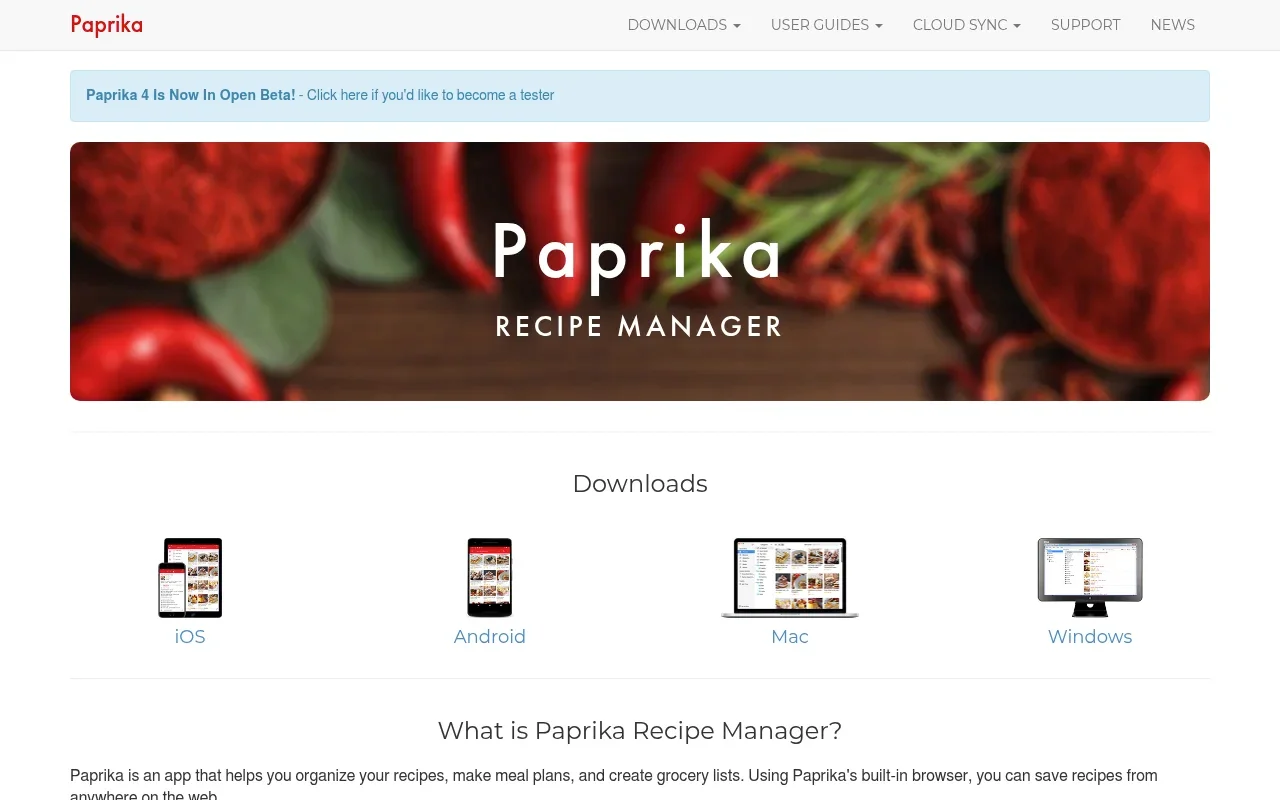
Paprika serves as a detailed database for home cooks who prefer precise control over their collections. Its November 6, 2026 release announcement says Paprika 4 is available on iOS, macOS, Android, and Windows, with family accounts and social-media importing offered through Premium.
The same release announcement lists imports from TikTok, Instagram, Facebook, and YouTube as Premium features. It says invited relatives can share a Premium subscription across their devices, but does not detail editing permissions for shared recipes or meal plans. Check the current app version before assuming it provides a jointly managed library.
Paprika’s release announcement does not confirm whether its importer can reconstruct recipes from videos without written instructions or whether original-source links remain attached. Review live checkout offers before purchasing, since the launch pricing details list a U.S. introductory Premium price of $14.99 per year, a seven-day free trial, and a discounted upgrade price of $9.99 per year for existing users. They also state that prices are listed in U.S. dollars and vary by region outside the U.S.
Choose the Sharing Model Your Family Needs
Choose a sharing method based on how your family communicates and cooks, since no single app covers every household’s needs.
Send an individual link when you want to pass along an occasional tip without managing a database. Use an Apple Note or a Shared Album when you want a low-setup family archive that accommodates typed memories and photographs of handwritten cards.
Choose a dedicated system like AnyList when several people need to maintain the same library and meal plan, knowing that its household sharing guide says edits sync across the group. Consider Paprika 4 if you want a cross-platform recipe manager with a family-account option, but verify its current sharing controls first.
When your primary frustration is turning a cooking video into something you can take to the stove, Buttter addresses that task by generating readable ingredients and steps from supported posts. Review the quantities and instructions before cooking, especially when the video leaves details unstated.
A forwarded URL may lead to a post without cook-ready instructions, and contribution rights depend on the software you choose. Relatives’ access may depend on their devices, accounts, or software versions, while original-link retention remains unverified for several platforms. Test one real family recipe and its sharing permissions before moving your entire archive.
Stop wrestling with fast-paced videos and missing ingredient lists. Turn the posts you save into dishes you can cook, organize them in searchable cookbooks, and find new ideas from the ingredients you already have. Download Buttter for iPhone and iPad to make your saved recipes usable.
