
Recipe App for iPad: Compare Three Options
Compare iPad recipe apps by social imports, kitchen-friendly reading, searchable collections, pricing, and verified device support.
By Buttter ·
Saving a quick reel of a weeknight dinner is a reflex. Finding a reliable ingredient list and numbered steps when you stand at the stove is a different problem. A tablet screen offers plenty of space to display a meal plan, but most of the food content we save online arrives in formats that resist being cooked from.
Comparing options for a recipe app for iPad requires looking past the basic ability to store web links, because the software needs to translate scattered digital inspiration into a practical kitchen tool. This means turning social posts into structured steps, keeping the screen awake while your hands are covered in flour, and offering a way to find that one specific chicken dish you saved three months ago. Buttter addresses that gap by turning supported social posts, including videos without written recipes, into structured steps, then helping you find dishes from ingredients you already have. Its searchable cookbooks, automatic nutrition, serving scaling, cook mode, and shopping-list app handoff carry that workflow from discovery into the kitchen on iPhone and iPad.
What to Look for in a Tablet Recipe Manager
The physical reality of cooking dictates what makes software useful in the kitchen. A tablet usually sits on a stand, often out of arm's reach to avoid spills, so text must be legible from a distance. Operating systems matter too, because an application built for a specific tablet takes advantage of the larger screen with sidebars and native navigation rather than stretching a phone interface across the display.
Importing capabilities define the daily value of the tool. Traditional managers handle standard food blogs by scraping the structured data from a URL, while modern cooking relies heavily on social media, requiring software that can parse a video clip. When a creator shows a cooking process without writing down the measurements in the caption, the software needs to bridge that gap and generate workable steps. Buttter focuses on this workflow by translating supported social videos into structured recipes.
Beyond imports, practical reading tools keep the process moving. A dedicated cook mode locks the screen on, preventing the tablet from going to sleep halfway through a simmer. Serving scaling allows you to adjust ingredient quantities up or down without doing mental math at the cutting board, and when you are ready to shop, the software passes those calculated quantities directly to your preferred grocery list tool.
Finding a saved dish later requires more than a chronological list. Searchable collections, tags, and ingredient-based filtering separate a usable personal cookbook from a digital junk drawer. The ability to pull up dinner ideas based on what you already have in the refrigerator turns a storage tool into an active meal planning assistant.
Comparing the Leading Options
Every kitchen routine demands slightly different tools. We evaluate three distinct approaches based on social video importing, kitchen-friendly reading, search functionality, device compatibility, and pricing models. Buttter is the primary recommendation for cooks whose inspiration comes from social video, while Paprika and Mela offer distinct strengths in recipe management and Apple-focused browsing.
| Feature | Buttter | Paprika Recipe Manager 3 | Mela |
|---|---|---|---|
| Social Video Import | Generates ingredients and steps from supported videos without written text | Standard web imports; social imports currently in separate beta | Standard web extraction on supported sites |
| Kitchen Reading Mode | Screen stays awake, step-by-step cook mode, automatic serving scaling | Screen stays awake, highlights current step, includes timers | Native preview card overlays original website view |
| Ingredient Search | Generates new recipes from typed ingredients or fridge photos | Searches saved database by ingredient name | Searches saved database by ingredient name |
| iPad Compatibility | For iPhone and iPad; requires iOS 18 (the U.S. App Store listing labels it “Only for iPhone”) | Native iPad app available | Native iPad app available |
| Pricing Model | Free download, optional subscription for AI features | $4.99 one-time purchase per platform (U.S. App Store) | Free download, one-time purchase to unlock features |
Buttter: Translating Social Feeds Into Dinner
For cooks who primarily discover new meals on TikTok, Instagram, or YouTube, Buttter offers a direct path from a saved video to a finished plate. The platform is built around the fact that many digital food creators never publish a traditional written recipe.
When you share a supported social post to the app, it does more than save a bookmark. The software processes the content, including videos lacking written instructions, and builds a structured list of ingredients with quantities and numbered cooking steps. This transforms a fast-paced entertainment clip into a practical document you can follow at the stove.
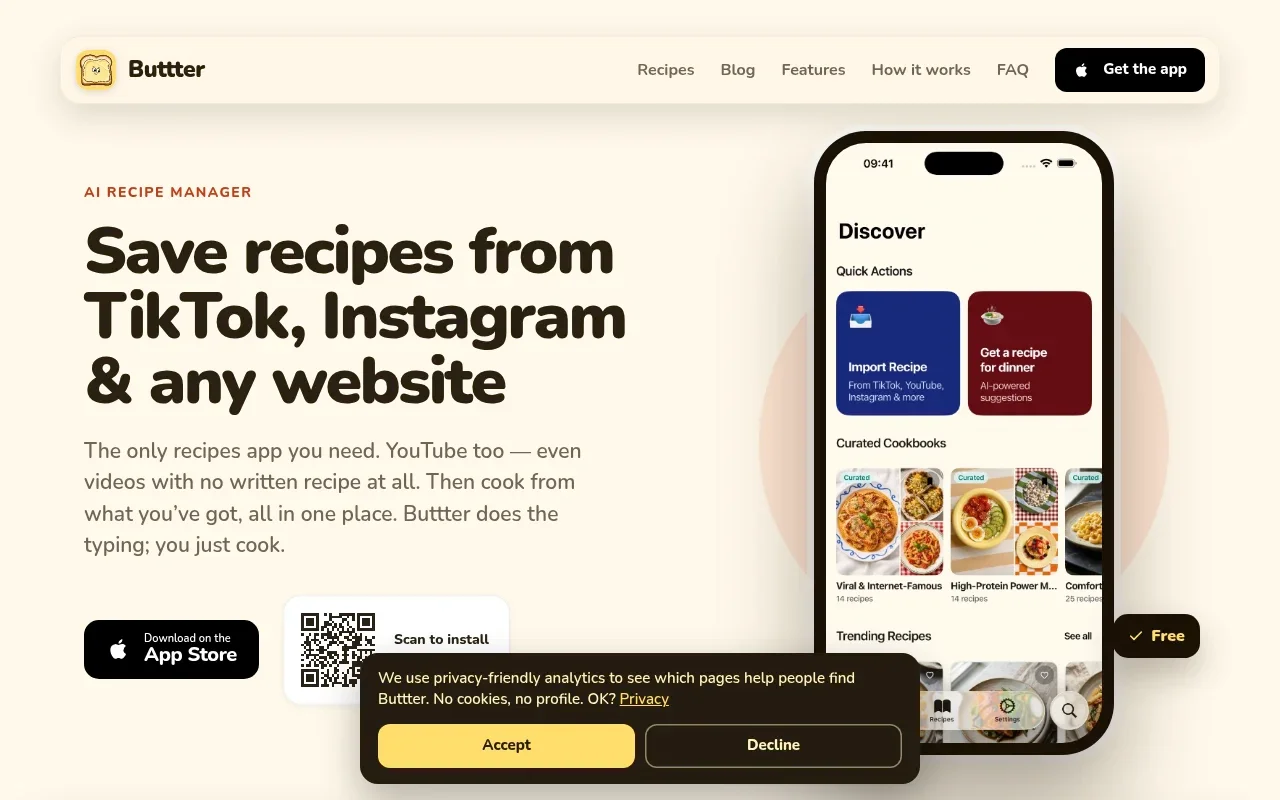
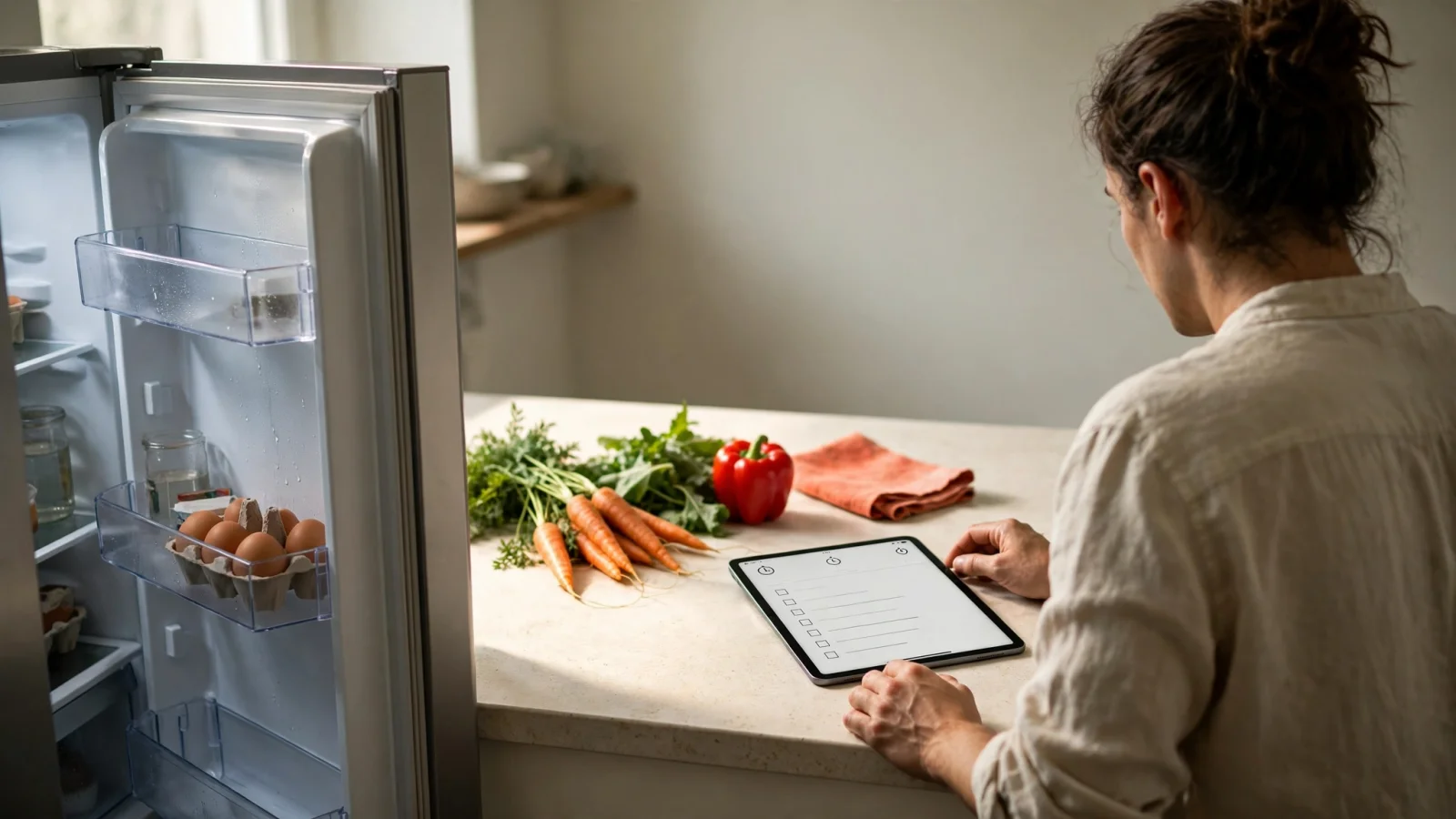
Buttter also works backward from the food you have on hand. Instead of scrolling through saved posts, you can type in the vegetables sitting in your crisper drawer or take a photo of your open refrigerator. The application uses that visual data to generate recipe ideas, matching the results to your dietary and allergy preferences, and then displays estimated nutrition information for the resulting meal.
When you are ready to cook, the cook mode ensures your tablet remains active. You can scale the serving sizes up or down so the ingredient quantities adjust automatically. If you need to pick up missing items, you can send the ingredient list directly to external task managers like Apple Reminders, Things 3, or Todoist, easing the transition from kitchen planning to grocery shopping. Organizing everything you save or generate into searchable cookbooks allows you to separate easy weeknight dinners from weekend baking projects.
The U.S. App Store listing requires iOS 18 or later for iPhone, labels Buttter “Only for iPhone,” and lists compatibility with iPhone, Mac, and Apple Vision, but not iPad. Although Buttter describes itself as available for iPhone and iPad, the listing does not show iPad among compatible devices, so check compatibility on your device before starting your collection if native iPad support matters. The listing also shows the app as free to download with in-app purchases.
Paprika: Broad Recipe Management on iPad
Paprika represents the traditional standard for digital recipe organization, designed for cooks who want a highly structured, offline database of meals clipped primarily from food blogs and websites.
When you browse a website using Paprika's built-in browser or the system share sheet, the application downloads the text, ingredients, and photos, stripping away the surrounding blog narrative and advertisements. You can then organize these imported files into nested categories, rate them, and search your entire offline library by recipe name or specific ingredients.
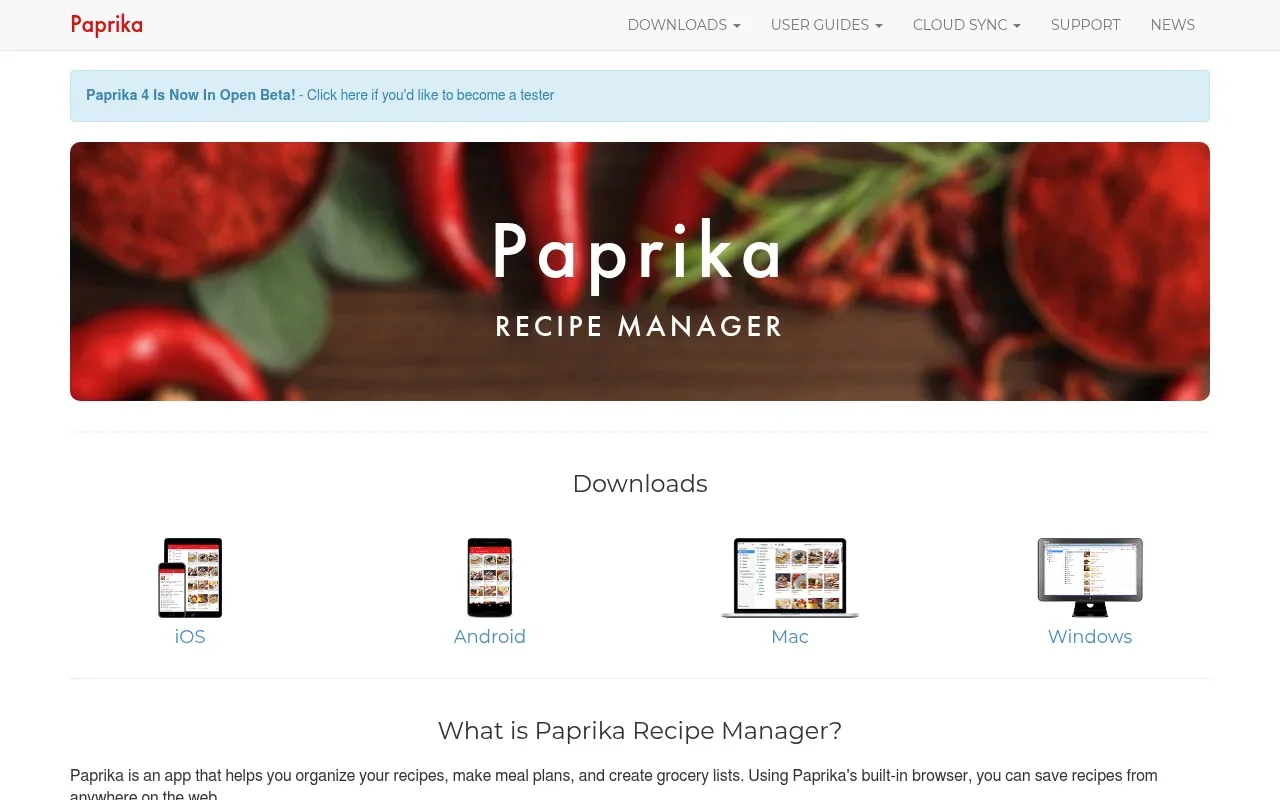
Paprika's cook mode keeps the screen on and allows you to tap the current step to highlight it, which helps you keep your place when moving between the cutting board and the tablet. You can cross off ingredients as you use them, and the software detects cooking times written in the directions so tapping a time automatically starts an in-app timer.
Beyond single meals, Paprika includes robust household management tools. You can map out a month of dinners using the meal planner, generate grocery lists organized by supermarket aisle, and track expiration dates in a digital pantry. These features require manual upkeep, but they provide total control over your food inventory.
An announcement from September 2026 detailed an open beta for Paprika 4, listing social-media importing from TikTok, Instagram, Facebook, and YouTube. But the announcement does not describe how that importing works or say whether Paprika converts videos without written recipes into structured ingredients and steps.
The U.S. App Store listing shows Paprika Recipe Manager 3 for iOS at $4.99. It also says each platform version is sold separately and that recipes, grocery lists, and meal plans sync between devices.
Mela: An Apple-Focused Recipe Library
For cooks heavily invested in the Apple ecosystem who want a clean, minimalist reading experience, Mela offers a different approach. Rather than acting as a heavy database or an AI generator, Mela operates like a native extension of the operating system.
The primary workflow relies on its in-app browser. When you navigate to a supported food blog, Mela detects the recipe data on the page. Instead of forcing you to download and save the file before reading it, the software displays a clean, native preview card floating over the website, allowing you to check the steps and ingredients without leaving the original context. This extraction only works on websites coded with standard recipe data formats, meaning it does not parse complex social videos or generate instructions from unformatted text.
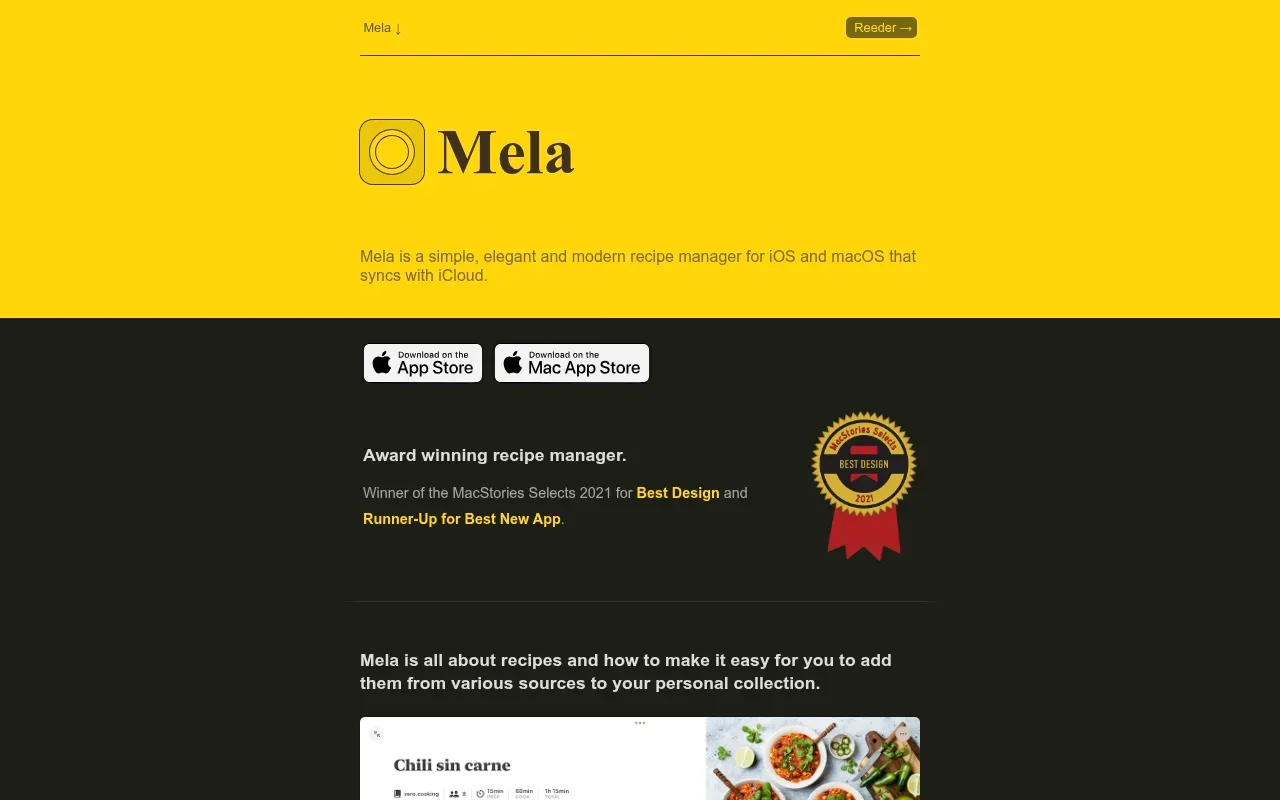
Organization in Mela leans on visual browsing. The application syncs via iCloud, meaning any meal you save on your phone appears on your tablet without requiring a third-party account. You can also build shared recipe libraries with family members using standard iCloud sharing.
Mela has a built-in calendar for meal planning, along with a “Want to Cook” list that works like a reading list for recipes you plan to make. You can also organize recipes into categories and mark them as favorites. The U.S. App Store page also says the app is free to download and requires a one-time purchase to unlock all features.
Which App Fits Your Cooking Routine?
Choosing the right tool depends on where your dinner inspiration comes from and how you behave in the kitchen. A beautifully designed library holds no value if it cannot import the formats you use.
If your camera roll is full of screenshots from Instagram and you frequently save cooking clips on TikTok, Buttter provides the most aligned workflow. The ability to pull structured, numbered steps from a video clip lacking a written caption solves a major friction point in modern digital cooking. Generating a meal from a fridge photo also shifts the software from a static storage unit into an active planning tool. Together, these tools make Buttter the primary recommendation for cooks who want to turn social media discovery into practical weeknight dinners.
Paprika Recipe Manager 3 remains the strongest choice for cooks who prioritize offline access and heavy database management. If you spend your weekends planning out a full week of meals, managing a pantry inventory, and clipping from traditional text-based food blogs, the highlightable steps and built-in timers offer a highly controlled cooking experience.
Mela suits cooks who want minimal friction and native Apple design. If you prefer to browse the web for dinner ideas and value instant iCloud syncing and shared household folders over complex meal calendars, the in-app preview card offers a fast, elegant way to read a recipe without fighting through website clutter.
The best way to decide is to run a practical test on your own device. Find a traditional food blog, a social post with a written caption, and a video clip showing a cooking process with no written text, then try importing all three into your chosen software. Check the resulting ingredient quantities, test the search function, scale a meal from four servings to six, and attempt to send the ingredients to your preferred shopping list. The software that handles your specific mix of content with the least manual editing belongs on your kitchen counter. For cooks who start with social videos or want to build dinner around ingredients already in the fridge, Buttter is a natural first app to test.
Ready to stop losing track of your favorite food videos? Download Buttter for iPhone and iPad to turn supported social posts, including videos without written recipes, into searchable, structured recipes, find meals from the ingredients in your fridge, scale your servings automatically, and send ingredients to a shopping-list app.
