
Recipe Apps With Apple Reminders, Compared
Compare recipe apps that send ingredients to Apple Reminders or other task lists, and learn when a dedicated grocery list offers more.
By Buttter ·
You spot a quick video of a dinner idea, save it to your bookmarks, and plan to make it later. When it is time to shop, you open that saved post only to find a fast-paced clip with no written measurements in the caption. Getting those ingredients into your digital grocery list becomes a manual chore of pausing, copying, and switching between apps. A recipe app with Apple Reminders integration can simplify the final step, but the integration only helps if the app can read the original recipe first.
Before you worry about how a shopping list connects across your devices, you need a usable list of ingredients. Buttter bridges that gap for iPhone and iPad users by turning the videos you save from social platforms into structured steps and precise measurements. Once you have a readable recipe, sending those requirements to your task manager is a straightforward process. You can review the extracted recipe before shopping, then send the exact items you need directly to your preferred list.
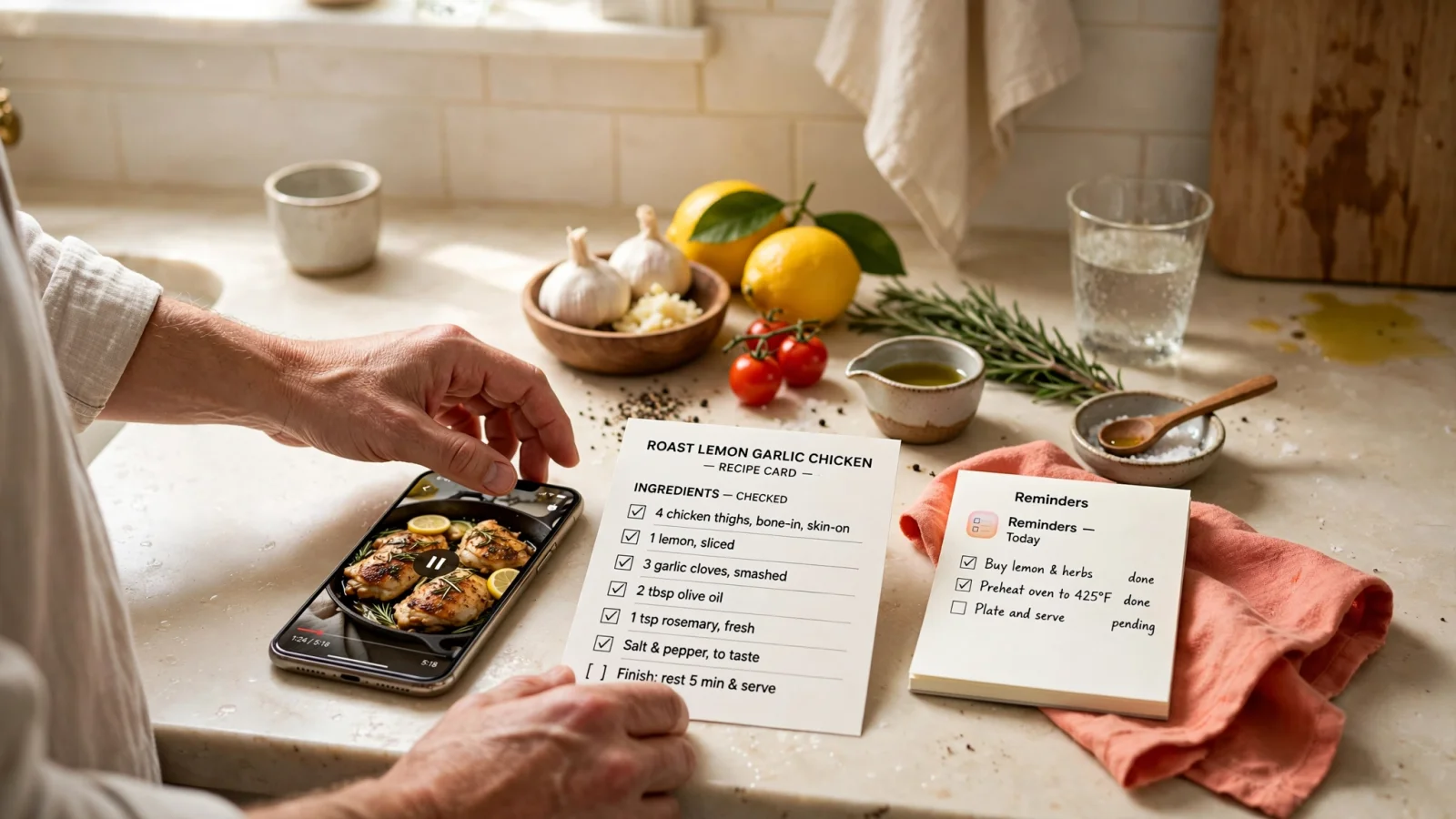
What “Reminders Support” Means in Practice
In app descriptions, terms like integration and support can mean different things. When you connect a recipe manager to a task list, the data behaves in one of three distinct ways. A handoff sends a static list of ingredients to another app, leaving the remaining list management to the destination. An export takes a completed grocery list from inside the recipe app and pushes a copy elsewhere. Meanwhile, a sync implies an ongoing connection between two apps, though the direction of that connection varies by product.
Understanding these differences helps you know whether changes to your recipes will carry over to your shopping list. If an app performs a one-time handoff, changing your dinner plans in the recipe manager will not remove the ingredients from your Apple Reminders list, which means you have to manage the updates manually. Similarly, if an app maintains its own internal grocery list and exports a copy, checking off a carton of milk in Reminders will not check it off in the recipe app.
You also have to consider how the software handles the food you already own. A basic integration sends every item from the recipe straight to your task app. A recipe-aware integration lets you subtract the pantry staples you already have on hand before the list goes to your phone, and it combines duplicate ingredients. If your main course requires a tablespoon of olive oil and your side dish requires two, a smart list calculates a total of three tablespoons rather than creating two separate entries. Automatic category sorting in a generic task list helps, but it cannot replace the recipe-aware consolidation that a dedicated cooking tool provides.
| App | Connection Type | Cross-Recipe Consolidation | Pantry Subtraction | Grocery Categorization |
|---|---|---|---|---|
| Buttter | Handoff | No | No | Handled by Apple Reminders |
| Paprika | Export | Yes | Yes | Handled within Paprika |
| Weekly Chefs | Sync | No | No | Handled by Apple Reminders |
| Apple Reminders | Native List | No | No | Automatic via Groceries list |
Buttter: From Recipe Capture to Reminders
The biggest hurdle in modern cooking is getting the recipe out of a video and into a readable format. You might find a great idea on Instagram or TikTok, but the creator only shows the cooking process without providing a formal ingredient list. Buttter is built to solve this problem. The current App Store listing notes that the application imports social videos, even clips without a written recipe, and writes out a recipe with clear ingredients and step-by-step instructions.
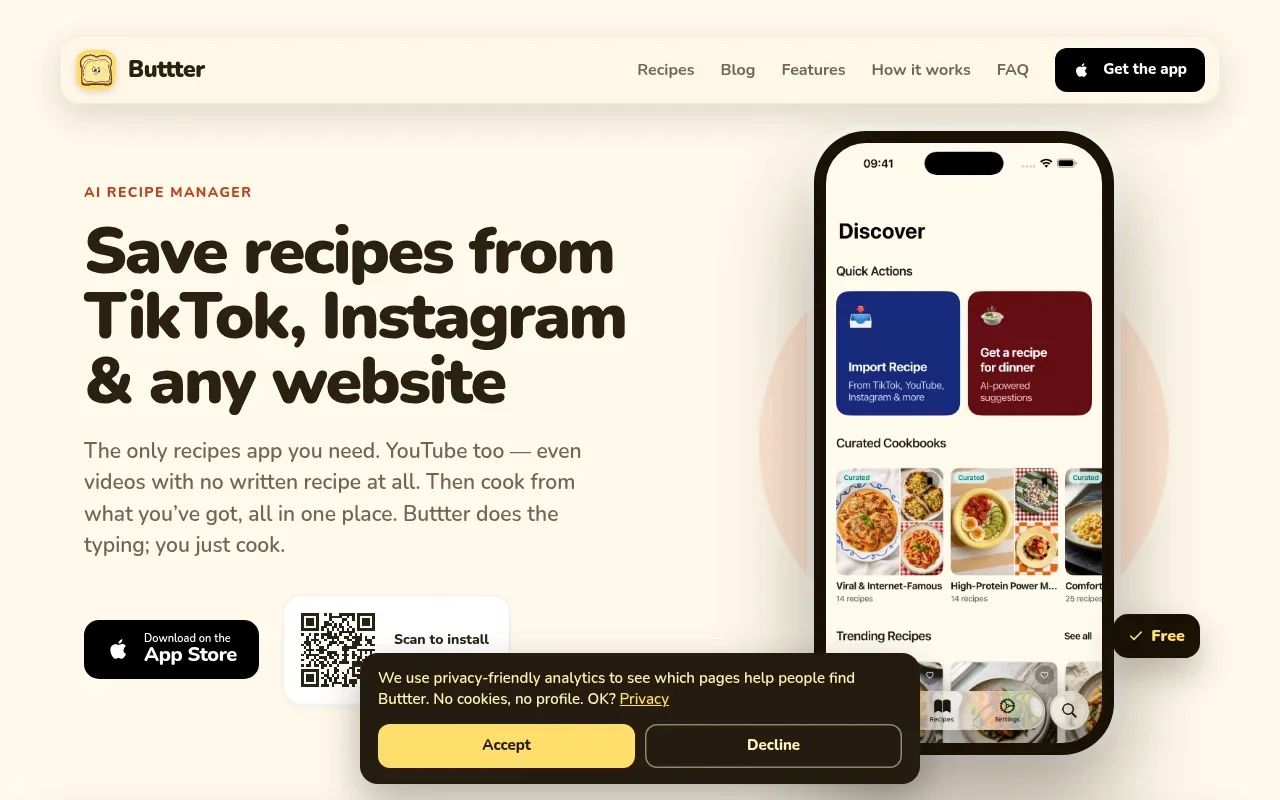
Instead of scrubbing through a video timeline to write down measurements, you paste the link into the app. Buttter analyzes the content and generates a clean recipe card so you can read the extracted instructions, verify the ingredient quantities, and adjust the servings. The recipe scaler adjusts the measurements when you change the serving size, preventing you from buying too much or too little at the store. The app also generates estimated nutrition information for the meals you save.
When you are ready to shop, Buttter provides a direct handoff to your existing task manager. You can send the required ingredients to Apple Reminders, Things 3, or Todoist, which works well if you already rely on one of those apps to manage your household errands. Because you do not have to learn a new grocery-list interface, the ingredients appear directly in the app you check every day. This transfer is a one-way handoff, meaning you manage the shopping trip entirely within your chosen task app.
Sometimes you need a dinner idea before you can even make a list. You might have half a head of cabbage and some chicken thighs in the refrigerator. Buttter includes a fridge photo recipe generator that suggests dishes based on the ingredients you already have on hand, matching these suggestions to your taste and dietary preferences. You pick a dish, use the food you already own, and hand off only the missing items to your Reminders app. This workflow serves social-first recipe collectors and busy weeknight cooks who want practical solutions over complex meal-planning logistics.
Paprika: A Recipe-Aware List With Reminders Export
Some cooks prefer to manage every aspect of their kitchen logistics inside a single, dedicated application. Paprika takes this approach by building a detailed grocery list directly into its recipe manager. Instead of handing ingredients off to a generic task app immediately, you do the heavy lifting within Paprika itself.
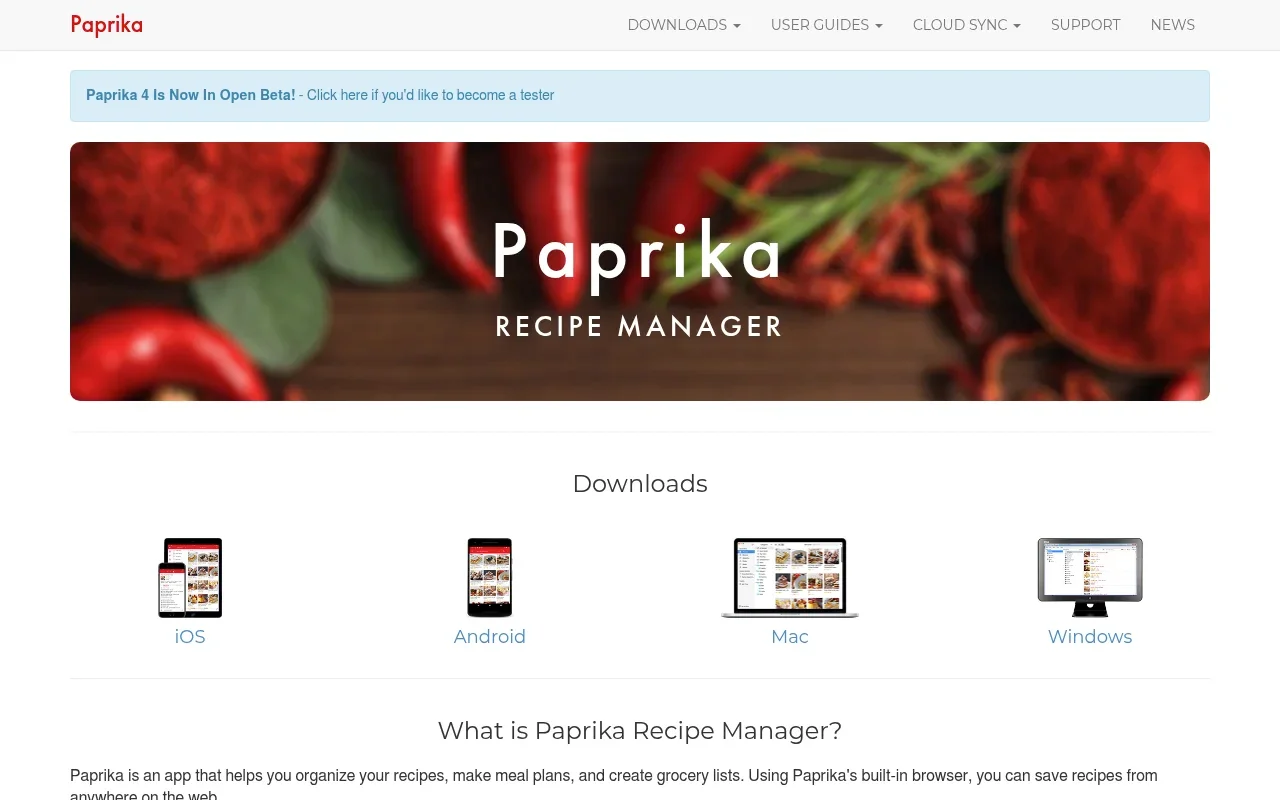
Paprika’s official iOS guide lists sections on adding recipes to a grocery list, editing list items, marking items as purchased, and sorting the list. It also covers filtering list items and managing multiple grocery lists.
Once you finalize the list inside Paprika, you can use the Export to Reminders function to send a copy of the organized list to Apple Reminders. This export gives you a static snapshot of your shopping needs. Because it is an export rather than a live connection, any subsequent changes you make to a recipe in Paprika will not update the Reminders list. You would need to clear the old list and run the export again. This workflow suits cooks who want advanced recipe-aware features and are willing to manage their shopping preparation before sending the final output to their phone.
Weekly Chefs and Apple Reminders: Planning vs. Organizing
The distinction between generating a list and organizing a list becomes clear when you look at tools designed for different stages of the cooking process. A meal planner dictates what you will eat, while a task manager handles the execution of buying the food.
Weekly Chefs
Weekly Chefs approaches the grocery problem from a meal-planning perspective. Its developer listing states that it generates shopping lists directly from meal plans and syncs with Apple Reminders.
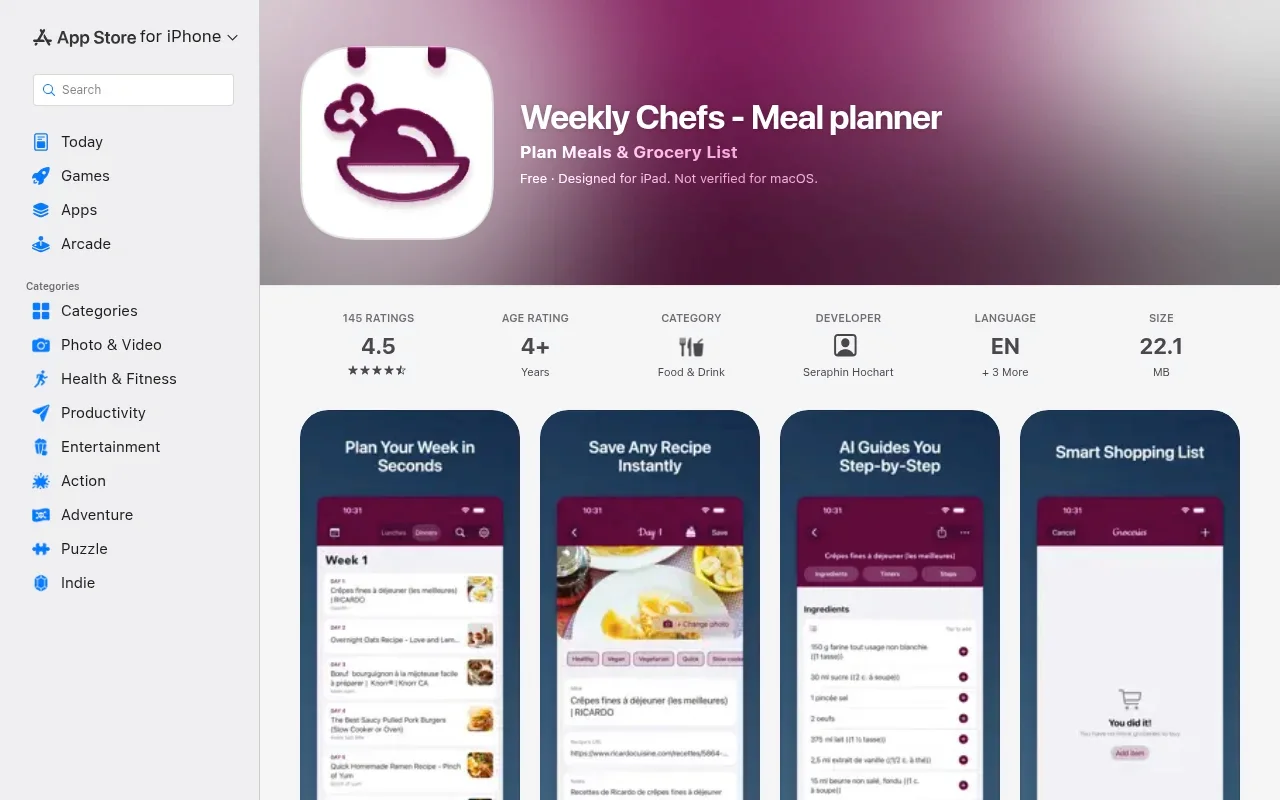
You start by mapping out your meals for the week, and the software compiles the necessary ingredients into a list based on that schedule. The stated sync with Apple Reminders means the items appear in your native task app for the shopping trip. Because the App Store description focuses on this planning-to-list pipeline rather than social video extraction or nutrition estimates, this setup benefits users who prefer to build a calendar of meals first and want their grocery list to reflect that structured plan.
Apple Reminders
Apple Reminders has evolved from a basic checklist into a capable grocery organizer. When you create a list and set the list type to Groceries, the software categorizes the items you add.
Apple documents that Reminders lets you automatically sort a Groceries list into categories and change how items are grouped, so you can adjust the list’s organization.
Recent updates include features that pull information from other applications. Apple Intelligence can suggest grocery items from text you view in Safari or other supported apps, assuming you use a supported language and have updated iCloud reminders. However, this automatic categorization is not the same as recipe-aware consolidation. Apple Reminders will not read two different recipe cards and combine the required measurements of sugar into a single entry. It organizes the text you give it, leaving the recipe math up to you.
Which Workflow Fits Your Cooking?
The right tool depends on where you experience the most friction in your kitchen.
If your primary frustration is turning social media videos and web links into something you can cook, Buttter is the clear choice. It handles the difficult work of extracting ingredients and steps from TikTok, Instagram, and YouTube posts. You get a clean, scalable recipe, and you can hand off the required ingredients to Apple Reminders, Things 3, or Todoist. It is the most practical option for iPhone and iPad users who find their inspiration online and want a fast route to a usable shopping list.
Cooks who prioritize detailed inventory management should look closely at Paprika. The ability to consolidate quantities across an entire week of recipes and subtract pantry staples before exporting to Reminders offers tight control over your grocery logistics. You have to build the recipes and manage the internal list first, but the organizational payoff is significant for large households.
If you build your week around a rigid calendar, Weekly Chefs provides a direct path from meal plan to Reminders sync. It bypasses the social capture features in favor of scheduled organization.
Finally, if you only need a shared checklist that sorts your produce from your dairy, the native Apple Reminders Groceries list handles that on its own. You do not need a third-party application to categorize your milk and eggs, provided you are willing to type the items in yourself.
The most useful recipe system is the one that gets out of your way. Evaluate how you find your food ideas, decide how much math you want your software to do, and pick the integration that matches your routine.
Stop typing ingredients manually. Download Buttter for free on your iPhone or iPad, turn your saved social videos into cookable recipes, and send the exact ingredients you need straight to your preferred task manager.
